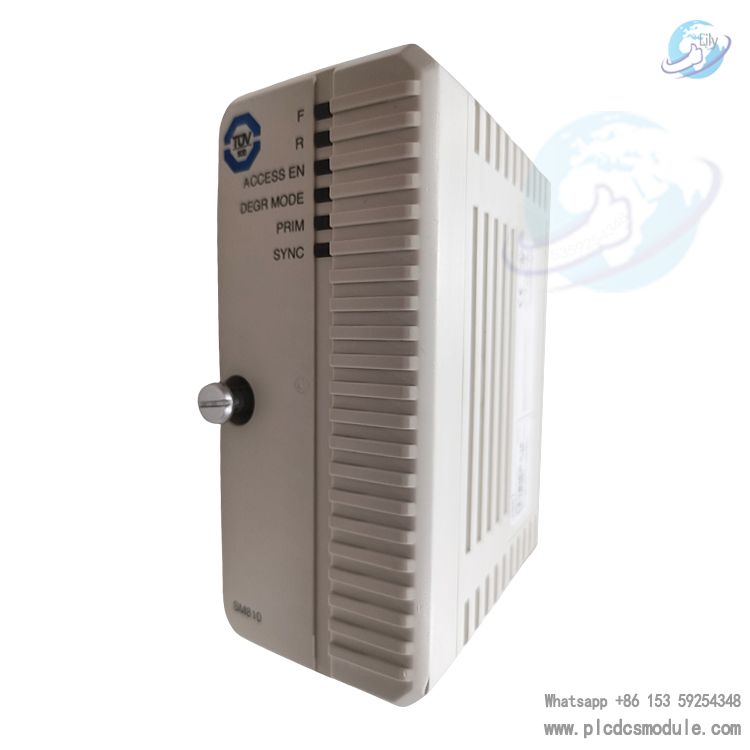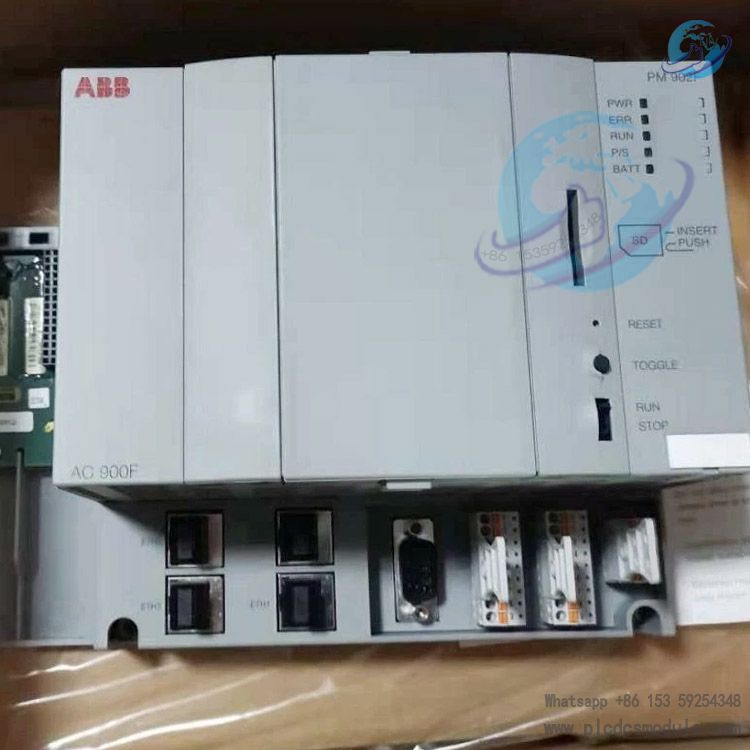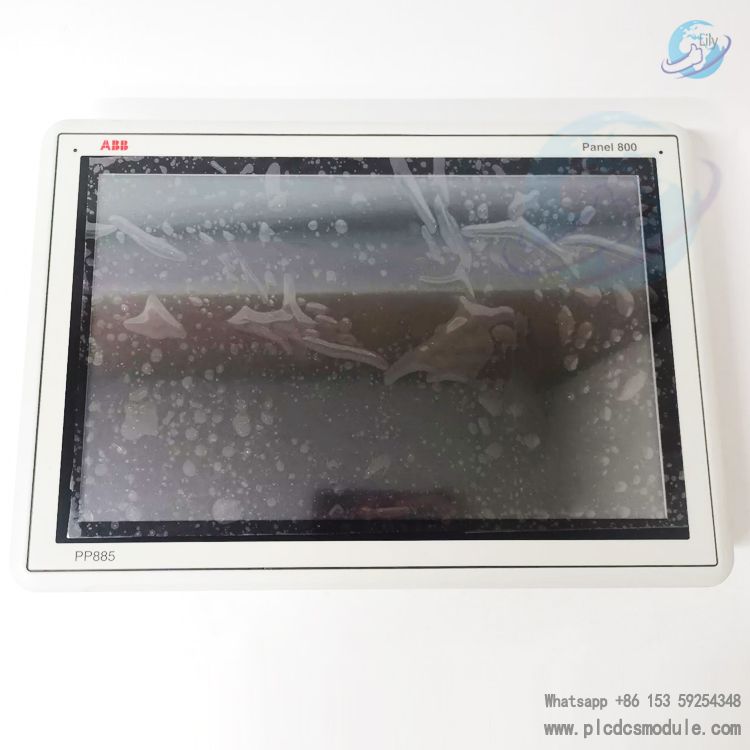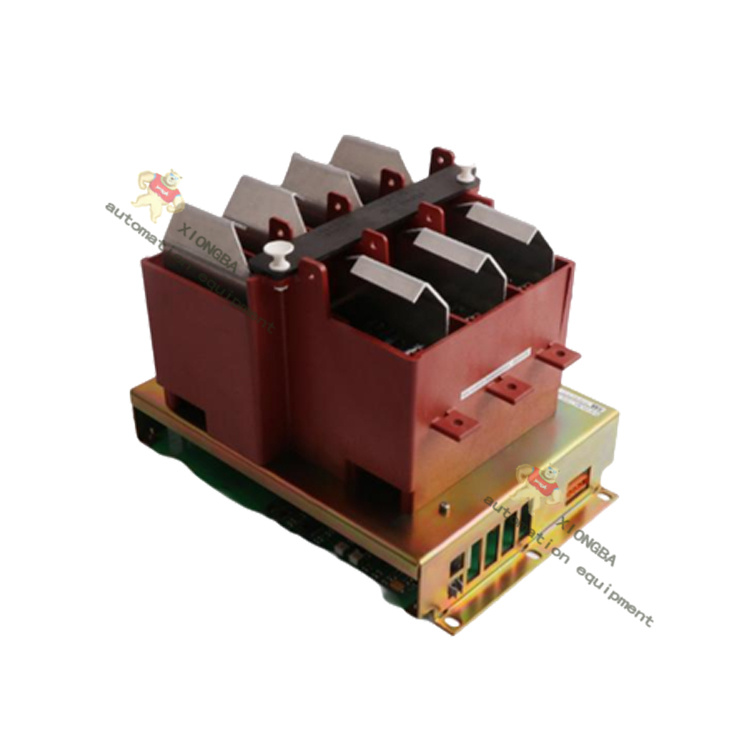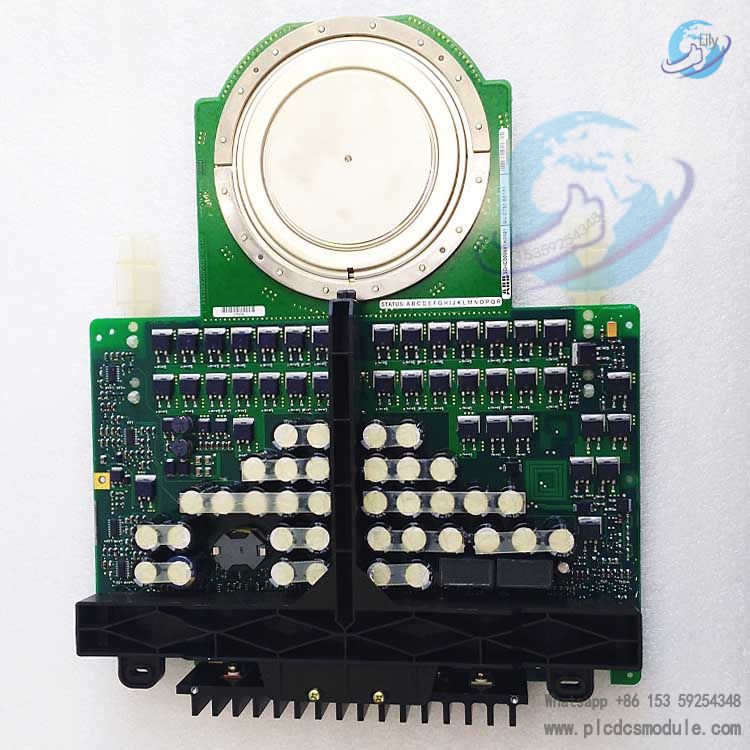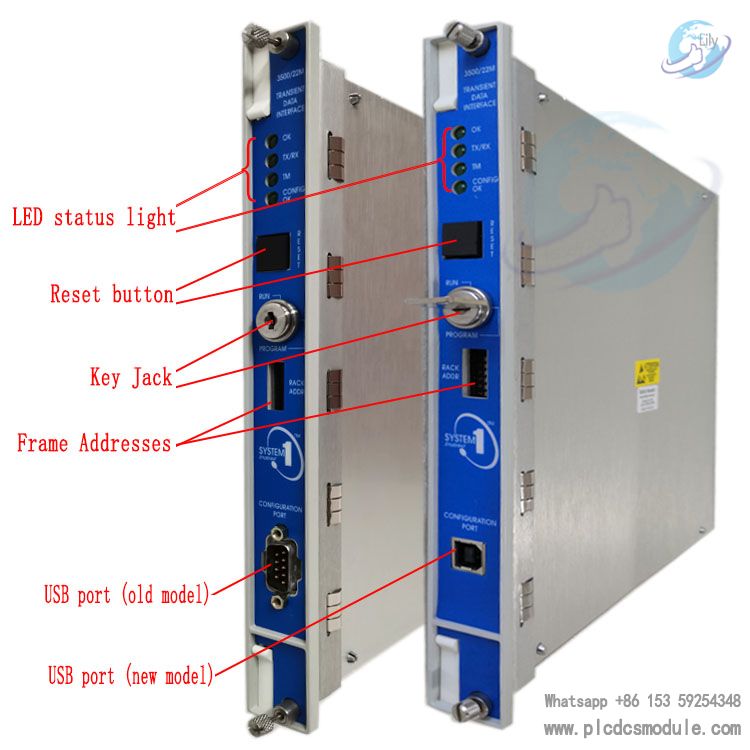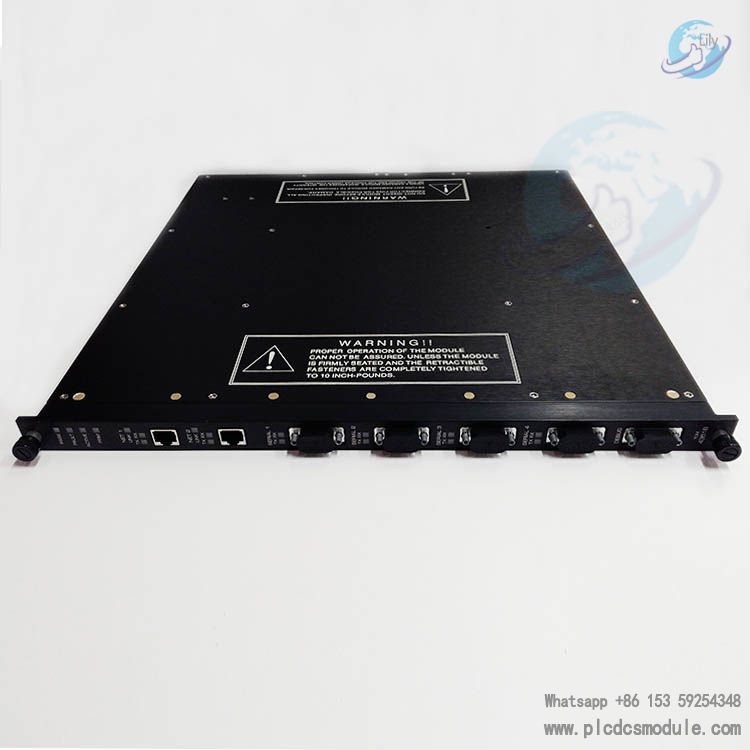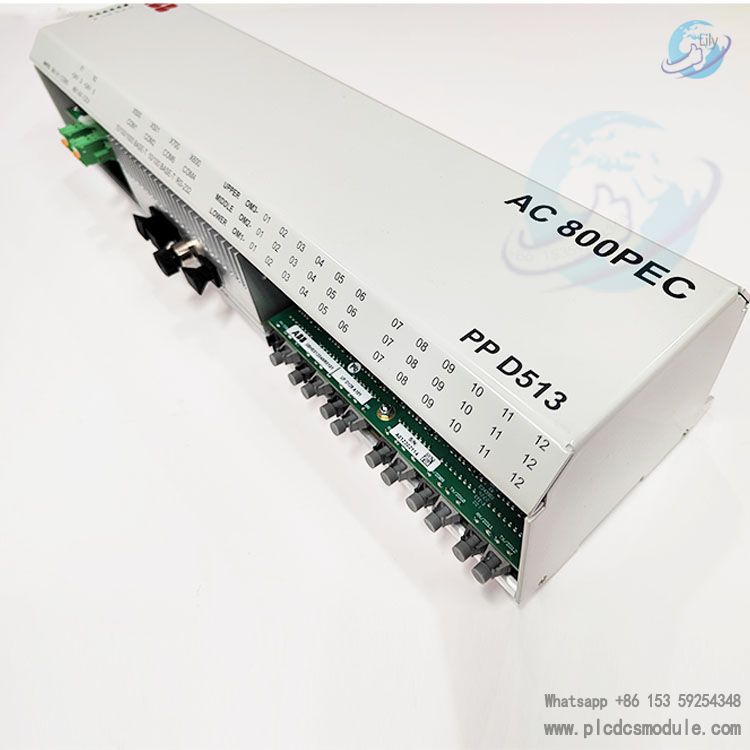


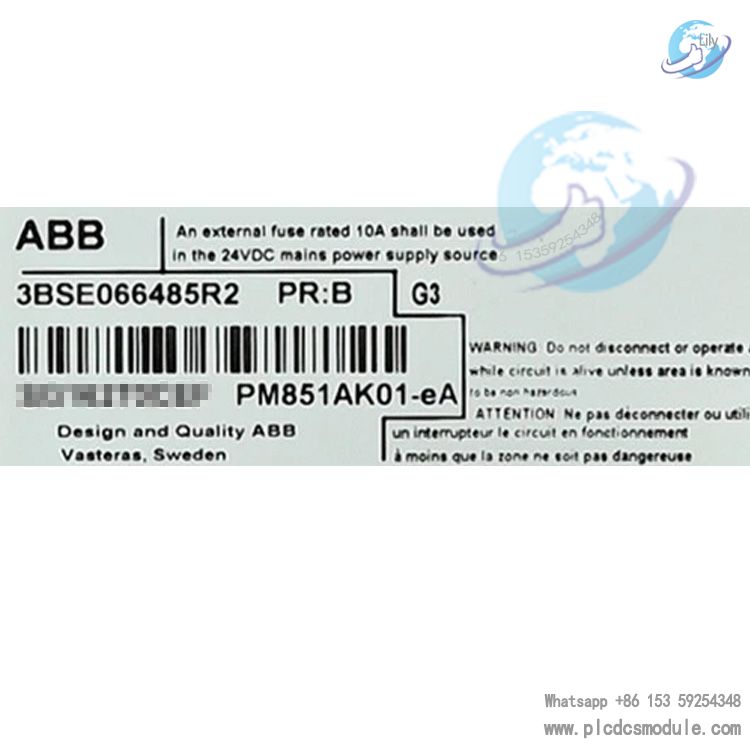
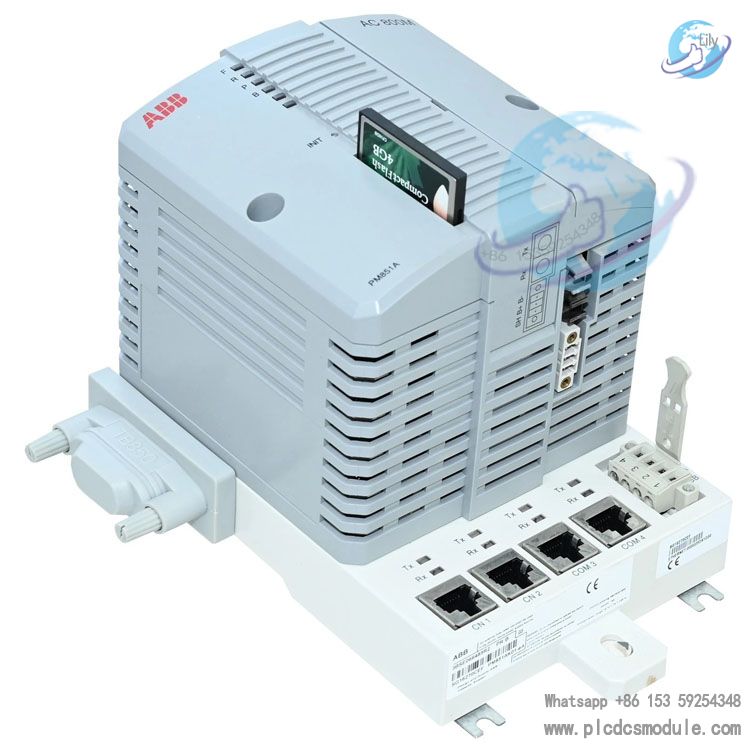
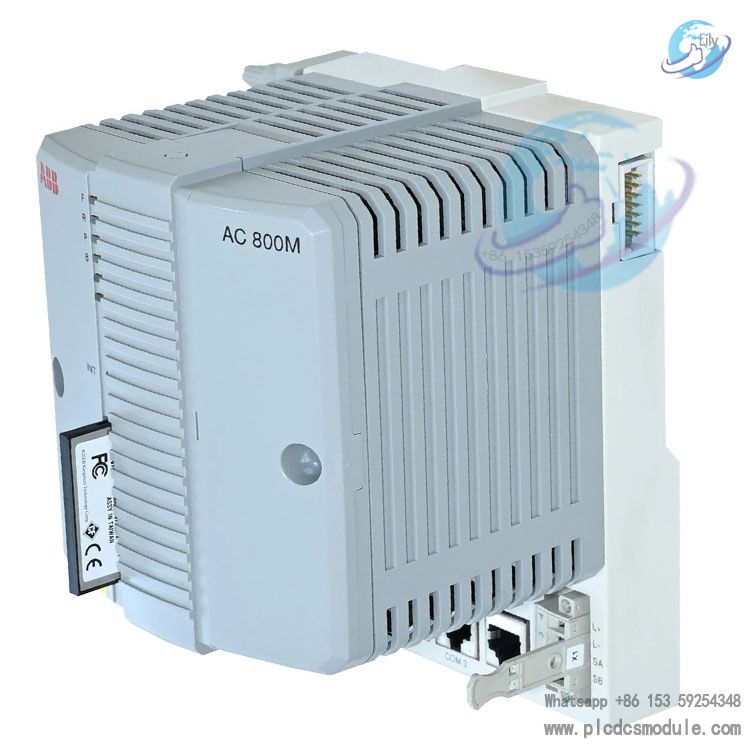
This module is a DIN‑rail mounted modular unit that integrates a processor, memory, communication interfaces and a real-time clock. It is equipped with an MPC860 32‑bit RISC processor running at 24 MHz, executing 1000 Boolean operations in just 0.46 ms. Featuring moderate processing performance and sufficient storage capacity, it is ideal for medium‑scale process control, logic control and sequence control applications.With an IP20 protection rating, the module can be deployed without an additional enclosure. It supports wide-temperature operation, vibration resistance and high electromagnetic compatibility (EMC), making it widely applicable in general industrial automation fields including chemicals, power, metallurgy and paper manufacturing. As a cost-effective basic control unit in the AC 800M series, it offers outstanding value for standard automation projects.
Technical Specifications
1. Core Performance Parameters
2. Electrical Parameters
3. Communication Interfaces
4. Physical & Environmental Parameters
Functional Features
- Modular Design:Part of the fully modular AC 800M system, allowing flexible expansion with power supply, communication and I/O modules to suit different system scales.
- Engineering Configuration Compatibility:Supports ABB Control Builder M / 800xA Control Builder software, and complies with IEC 61131-3 standard programming languages including LD, FBD, ST, SFC and IL.
- Storage & Backup:Dual storage with built-in RAM and external CompactFlash; lithium battery ensures data retention during power failure; supports offline program loading.
- Status Monitoring:Onboard LED status indicators for intuitive visualization of run, fault, communication, battery and other operating states.
- Easy Maintenance:Supports hot swapping (with appropriate system configuration); INIT button enables quick reset and initialization, simplifying operation and maintenance.
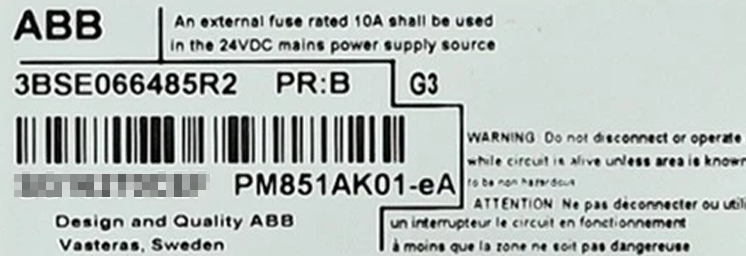
- Environmental Robustness:Meets industrial-grade G3 corrosion resistance standards, with high resistance to vibration and electromagnetic interference, suitable for harsh industrial environments.
Installation and Maintenance
1. Installation Procedure
- Environment Check:Ensure installation space meets dimensional requirements, and ambient temperature, humidity, cleanliness and electromagnetic interference are within specified ranges.
- DIN Rail Mounting:Slide the module onto the DIN rail; the slide-lock mechanism will engage automatically. Ensure firm, stable mounting with no looseness.
- Electrical Connections:
- Power: Connect 24V DC power with correct polarity and provide proper insulation.
- Communication: Connect CN1 to the control network (10M Ethernet); connect COM3/COM4 to commissioning devices or serial peripherals.
- Modulebus: Establish secure connection with adjacent AC 800M modules to ensure proper bus communication.
- Power-On Check:Observe LED indicators during initial power-up; confirm normal power and run lights with no fault alarms.
2. Routine Maintenance Points
- Status Inspection:Regularly check panel LEDs, monitor run, fault, battery and communication status; troubleshoot according to the manual if abnormalities occur.
- Battery Maintenance:The 3.6V backup battery has a service life of approximately 3–5 years. When a low-battery alarm occurs, replace the battery while the system is running to avoid RAM data loss.
- Storage Management:Back up programs regularly on the CompactFlash card to prevent program loss due to card damage.
- Cleaning & Environment:Keep the module surface clean and free of dust and oil; ensure good cabinet ventilation with temperature not exceeding 60°C.
- Firmware Update:When updating firmware, use Control Builder or a CompactFlash card and strictly follow ABB’s official procedures.
3. Removal and Replacement
- Before removal, disconnect external power (or confirm the system supports hot swapping); release the slide-lock and carefully withdraw the module along the rail.
- When replacing, ensure the new module has the same model and firmware version as the original; restore wiring, power on, and reload programs and configuration.
Frequently Asked Questions (FAQ)
- Replace the 3.6V lithium battery with the same specification as soon as the alarm appears.
- Replacement must be performed while the system is powered on; replacing during power loss will cause RAM data to be lost.
- After replacement, wait 5–10 minutes for the battery to finish charging; the alarm will clear automatically.
- Check whether the 24V DC supply voltage is within 19.2–30V and whether wiring is secure.
- Reinsert the module and verify proper connection of the Modulebus and communication interfaces.
- Press and hold the INIT button for 5–10 seconds to initialize the module.
- If the fault persists, check firmware compatibility and memory status. Replace the module if necessary and contact ABB technical support.
- Internal RAM: Used for real-time operation, backed up by the battery.
- External CompactFlash card: Permanently stores programs and configurations, supporting offline loading, backup and restoration.