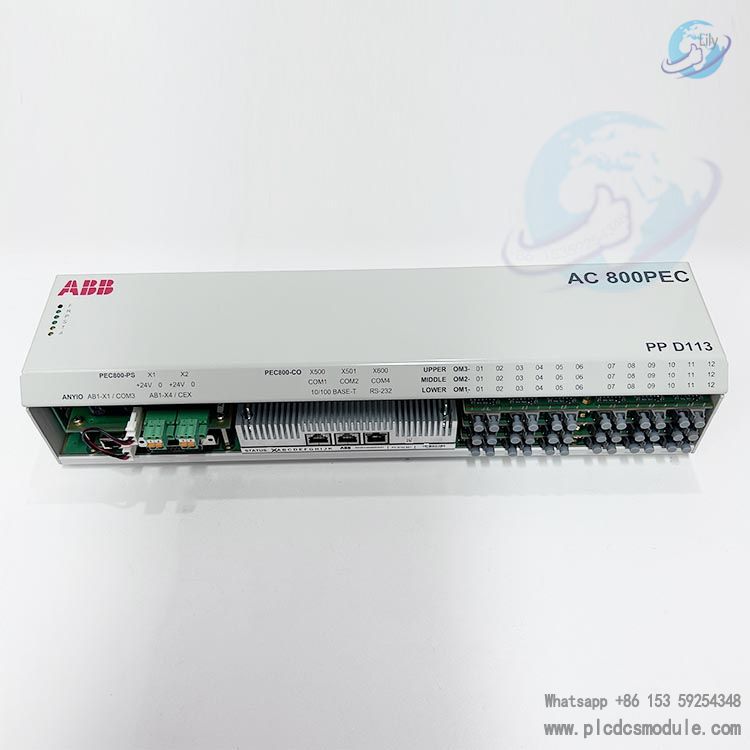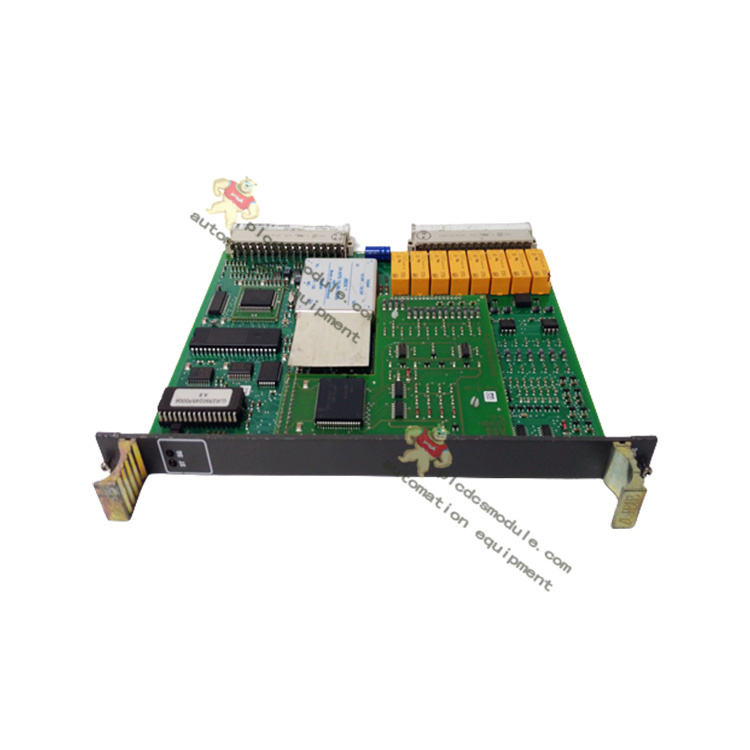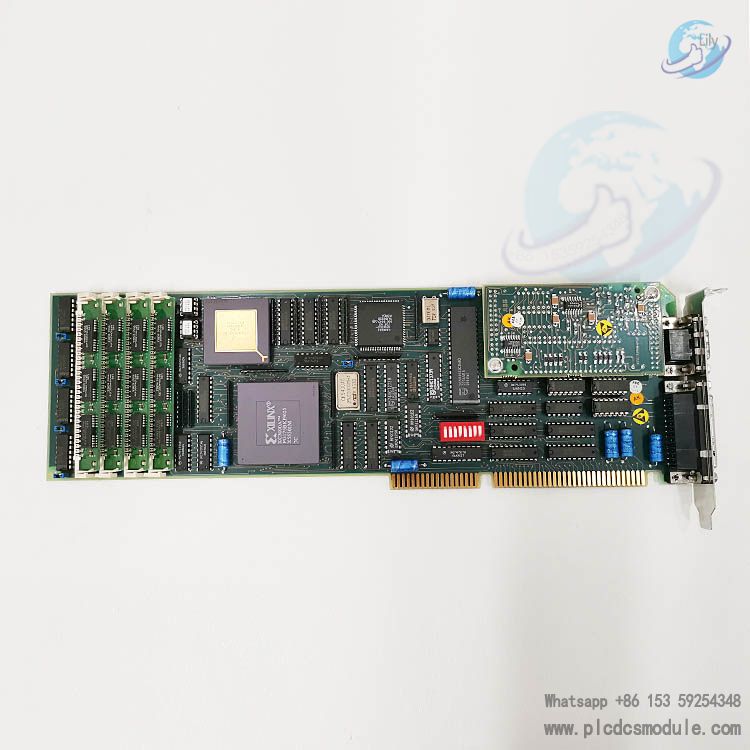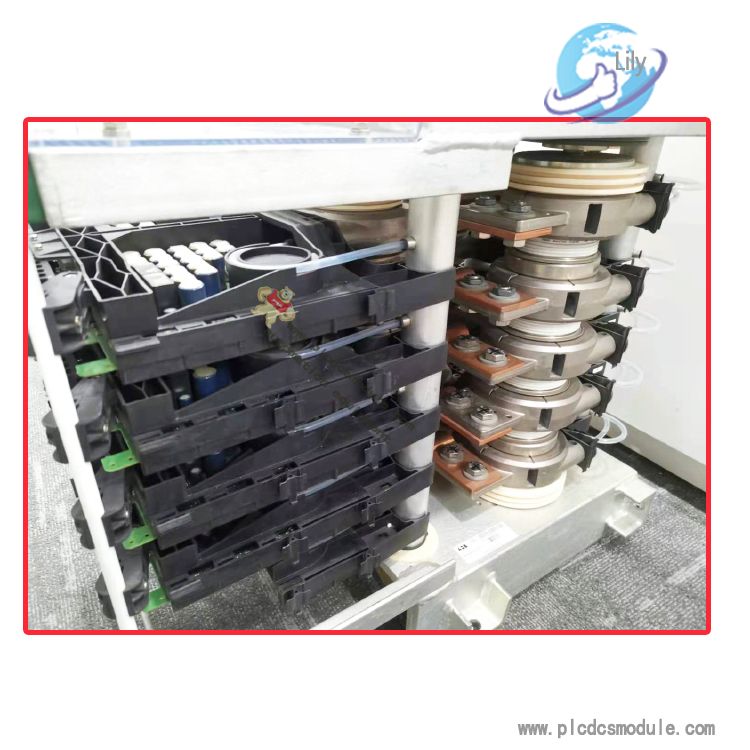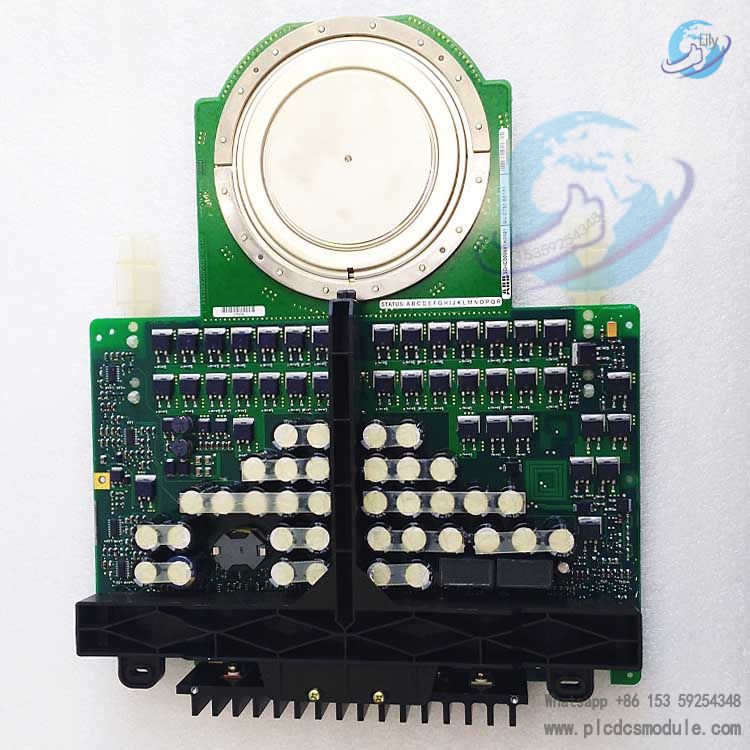


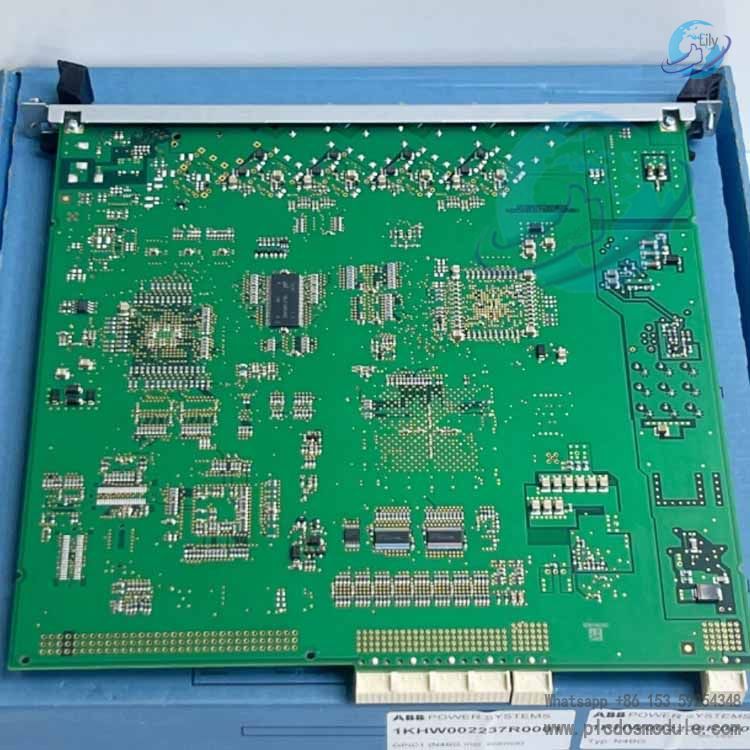
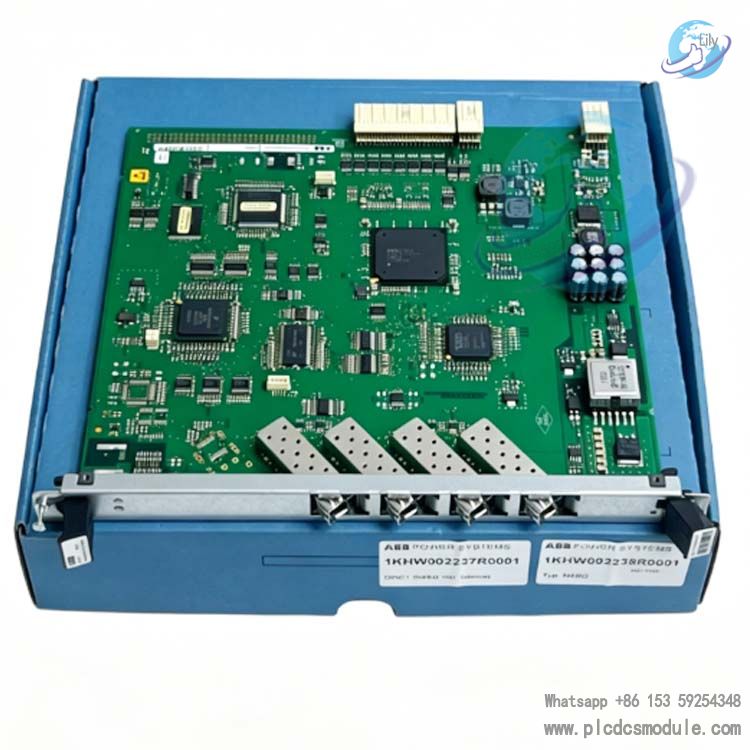
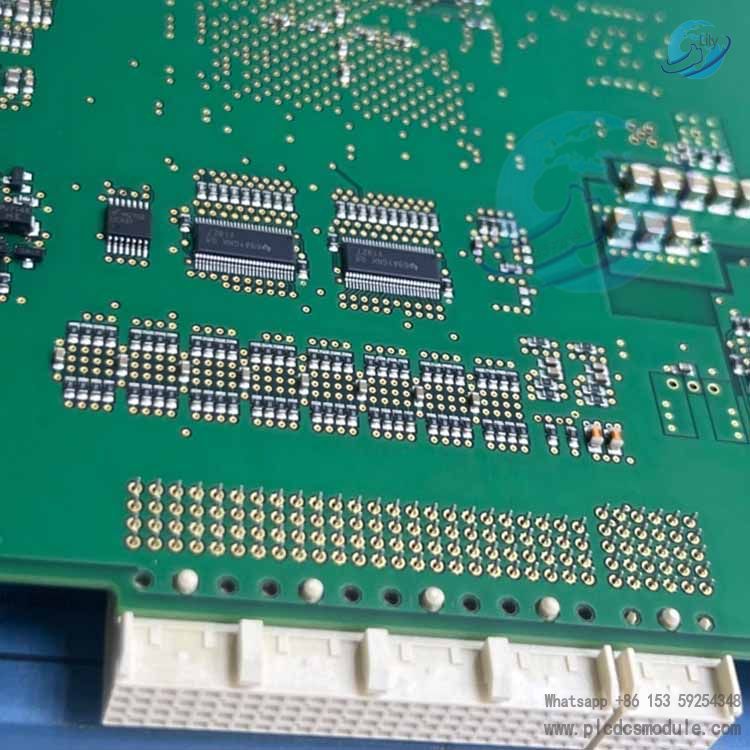
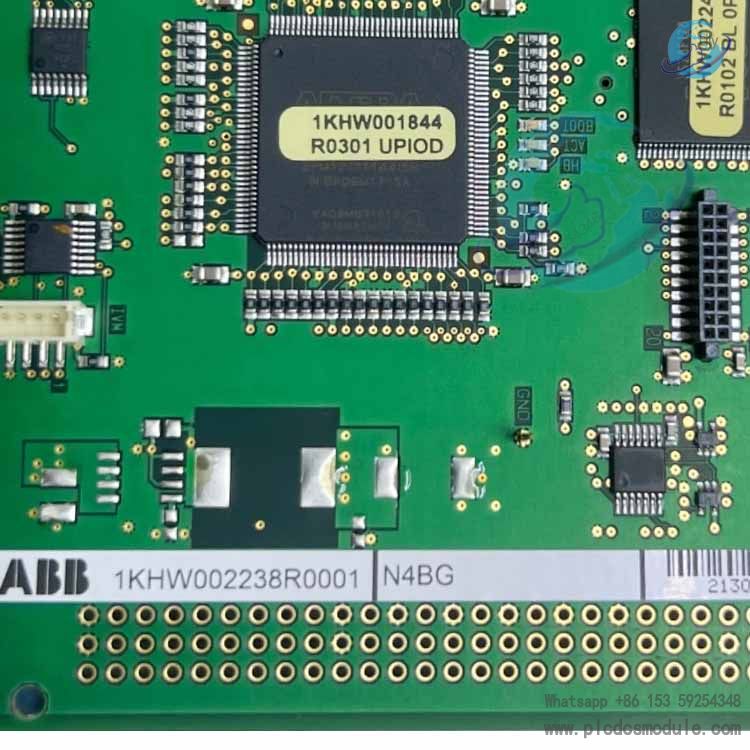
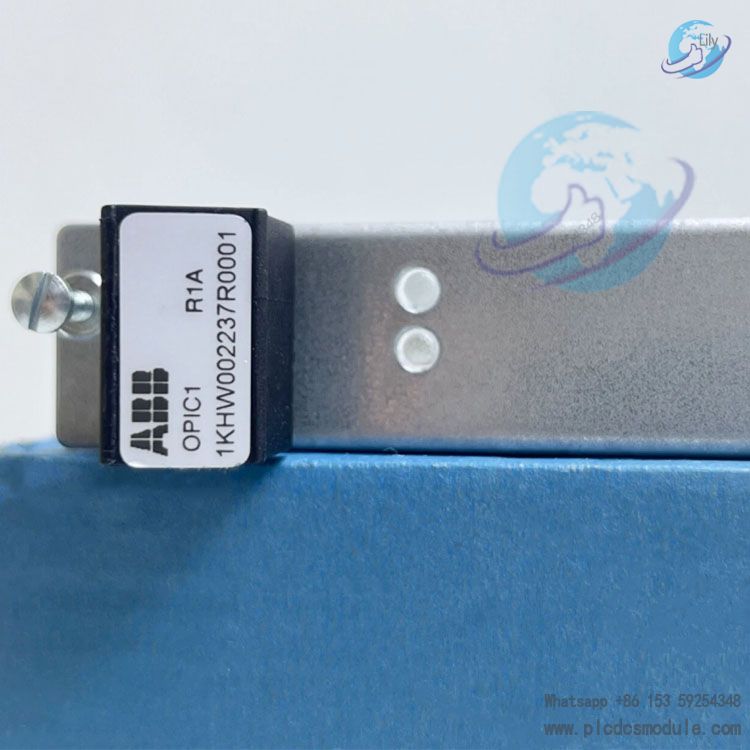
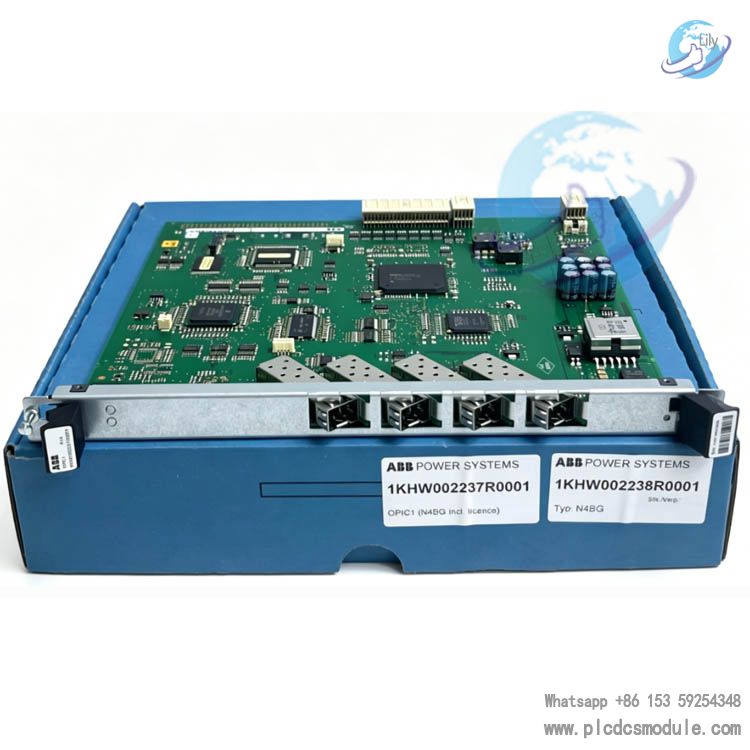
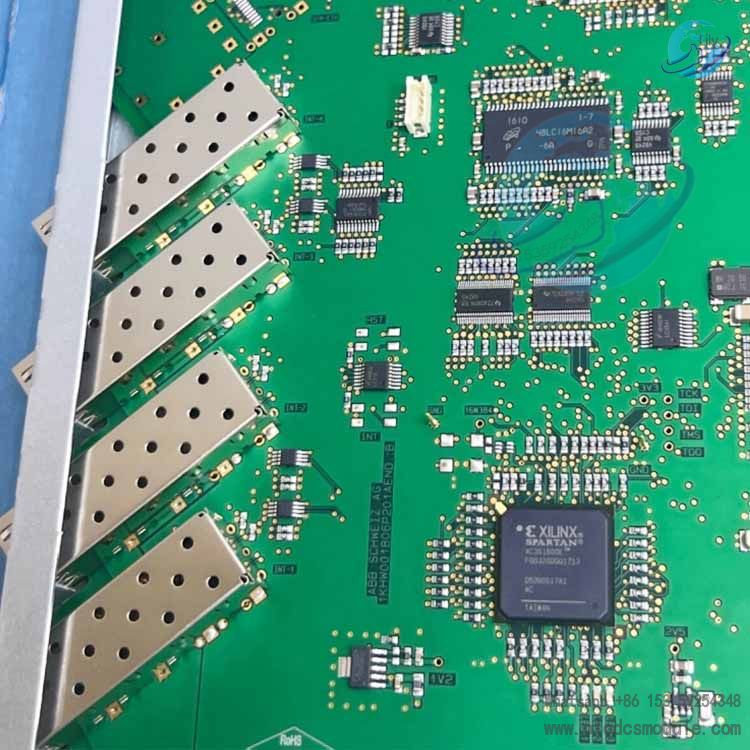
ABB N4BG 1KHW002238R0001 / OPIC1 R1A 1KHW002237R0001 is an ABB OPIC series optical fiber pilot protection interface board. It is specially designed for power system relay protection and industrial automation control. As the core module of the FOX615 optical communication rack, it realizes high-speed optical fiber data transmission and signal isolation under the IEEE C37.94 / ABB SFC protocol, and is widely applied in power grid transmission lines, substations and industrial high-reliability communication scenarios.
Product Advantages
Industrial-grade High ReliabilityCertified by CE/UL/IEC, it supports wide-temperature operation from -20℃ to +60℃ with strong EMI electromagnetic interference resistance, perfectly adapting to harsh industrial and power system environments.
High-speed Optical Fiber CommunicationEquipped with 4-channel SFP optical fiber interfaces (LC connector), the transmission rate ranges from 64 kbps to 768 kbps (2048 kbps in transparent mode), meeting the low-latency and high-synchronization requirements of pilot protection.
Powerful Protocol CompatibilityNatively supports IEEE C37.94 (power industry standard) and ABB SFC proprietary protocol, enabling seamless connection with ABB relay protection devices and third-party standard equipment.
Compact Modular DesignStandard rack-mounted dimensions (160mm×110mm×75mm), plug-and-play and hot-swappable, simplifying system integration and maintenance.
Low Power Consumption & High IntegrationAdopts 24VDC power supply (or internal rack power supply); features low power consumption design, integrating signal isolation, data encoding/decoding and link monitoring functions.
Key Features and Application Scenarios
(I) Key Features
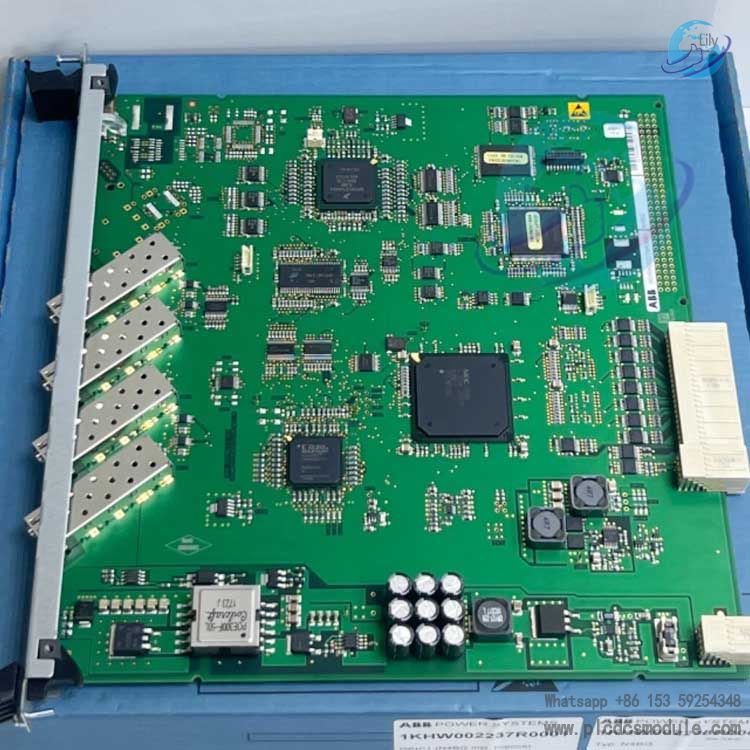
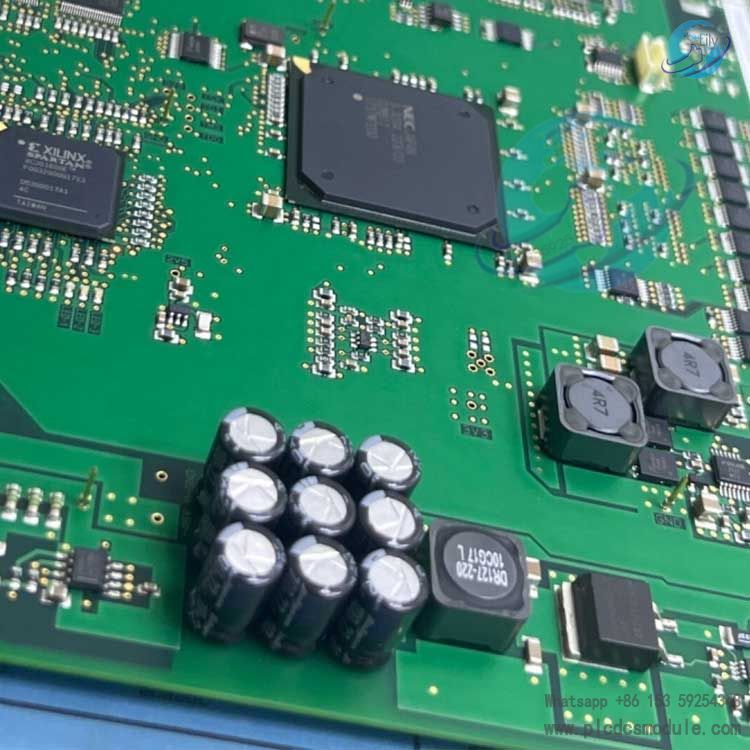
Hardware Architecture32-bit microprocessor, equipped with 16KB RAM / 16KB ROM, supporting hardware-level data verification and automatic fault diagnosis.
Interface Configuration4 × SFP fiber ports (LC type), compatible with multi-mode and single-mode optical fibers; 1 × RS-485 debugging interface.
Functional MechanismSupports link redundant backup, encrypted data transmission, real-time bit error rate monitoring, and dry contact fault alarm output.
Compliance StandardsComply with IEC 61850, IEEE C37.94 and RoHS standards, meeting the requirements of power system security isolation and data integrity.
Application Scenarios
Power System Pilot ProtectionServe as the optical fiber communication channel for differential protection and distance protection of high-voltage / extra-high-voltage transmission lines; realize real-time data interaction between protection devices at both ends and quickly isolate faulty sections.
Substation AutomationOptical fiber communication between bay level and station control level; data connection between ABB REL series relay protection devices and SCADA system; signal transmission of intelligent switchgear cabinets.
Industrial High-Reliability CommunicationFiber redundant communication for DCS/SIS systems in petrochemical, rail transit, metallurgy and other industries; remote monitoring and data acquisition of key equipment such as inverters and PLCs.
Legacy System RenovationReplace traditional copper wire communication, eliminate electromagnetic interference, extend transmission distance (up to 40km for single-mode fiber), and improve overall system stability.
Operation Guide (Based on FOX615 Rack)
Installation Procedures
Power-off PreparationDisconnect the power supply of the FOX615 rack; wear an anti-static wristband to prevent static damage to the board.
Board InsertionAlign the board with the rack expansion slot, insert it smoothly, and fasten the panel fixing screws with a torque of 0.8~1.0 N·m.
Fiber ConnectionInsert LC connector optical fiber into the SFP port, match Tx/Rx correctly; avoid sharp bending with a bending radius ≥ 30 mm.
Power-on & CommissioningPower on the rack, connect a commissioning PC via the RS-485 interface, and set communication parameters through dedicated ABB configuration software (e.g., FOX615 Manager).
Parameter Configuration (Core Steps)
Basic ParametersSet board address, communication protocol (IEEE C37.94 / SFC), transmission rate, and optical fiber mode (multi-mode / single-mode).
Link ConfigurationEnable redundant link (optional); set bit error rate threshold (default ) and alarm delay (default 5s).
Data MappingConfigure the transmission format of protection data (current, voltage, switching quantity, etc.), keeping consistent with parameters of the opposite-end device.
Save & TestSave parameters and restart the board. Monitor the link status via software; no alarm indicates successful configuration.
Routine Maintenance
Regularly check and clean optical fiber connectors with absolute alcohol to prevent link attenuation caused by dust.Monitor the operating temperature of the board (normal ≤ 50℃); replace the cooling fan promptly in case of abnormality.Back up configuration parameters for quick system recovery in case of faults.
Frequently Asked Questions
- The indicator light stays off after the board is powered on and communication fails.Troubleshooting: Check whether the rack power supply is normal(24VDC±10%), whether the board slot makes good contact, and whether the optical fiber Tx/Rx is reversed.Solution: Reinsert the board correctly, connect the optical fiber properly, and restore power supply. If the fault remains, contact ABB after-sales for hardware inspection.
- Frequent optical link alarms and high bit error rate.Troubleshooting: Contaminated or damaged fiber connectors, excessive fiber bending, transmission distance exceeding the module specification, or strong electromagnetic interference from the environment.Solution: Clean or replace fiber connectors, adjust fiber routing, adopt SFP modules matching the actual transmission distance, and keep away from high-electromagnetic equipment.
- Configuration software fails to connect to the board.Troubleshooting: Incorrect RS-485 wiring, mismatched PC serial port parameters(Baud rate 9600 / Data bit 8 / Stop bit 1), or wrong board address setting.Solution: Verify wiring, unify serial port parameters, and ensure the board address is consistent with that set in the configuration software.
- Can it communicate with non-ABB relay protection devices?Answer: Third-party devices supporting the IEEE C37.94 standard protocol(such as Schneider and GE protection relays)can communicate directly. Devices with non-standard protocols need to be connected via a protocol converter.
- Does the board support hot swapping?Answer: It supports hot swapping on the FOX615 rack. Avoid touching metal contacts during plugging and unplugging to prevent static damage. No rack restart is required after hot swapping; the board will be identified automatically.