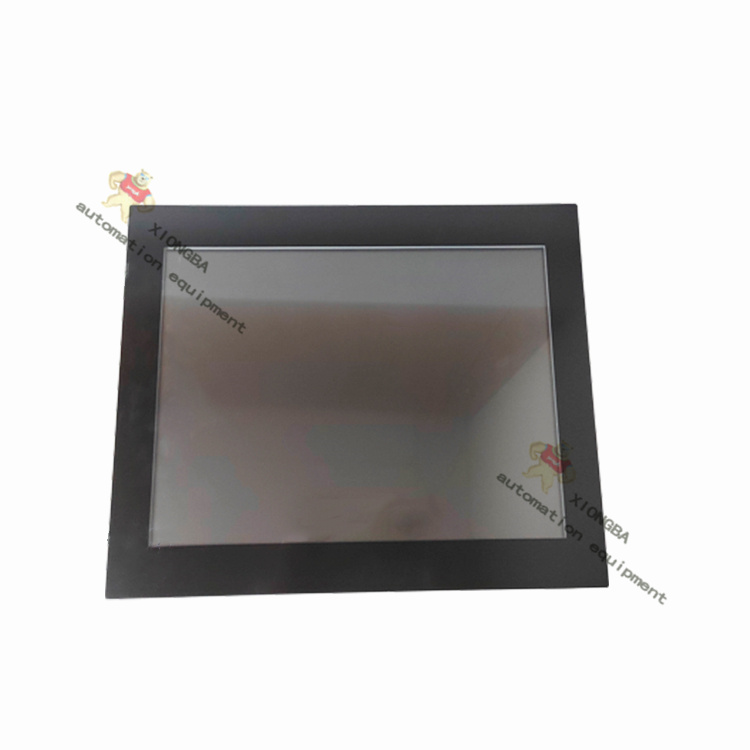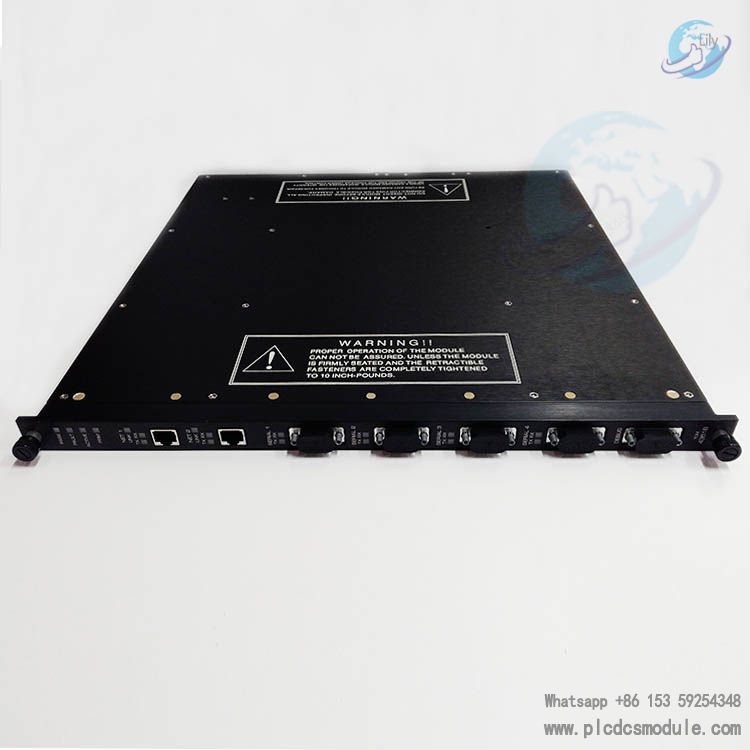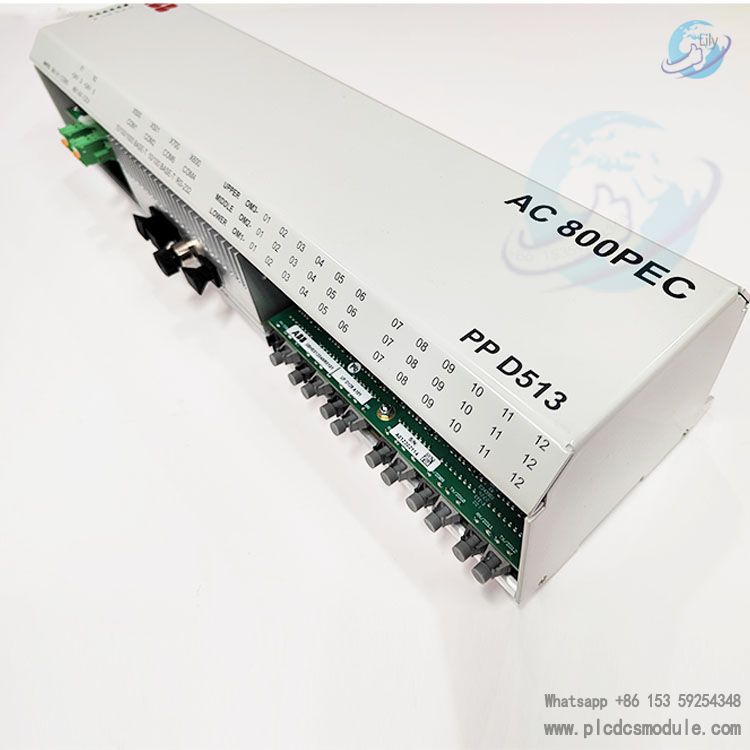


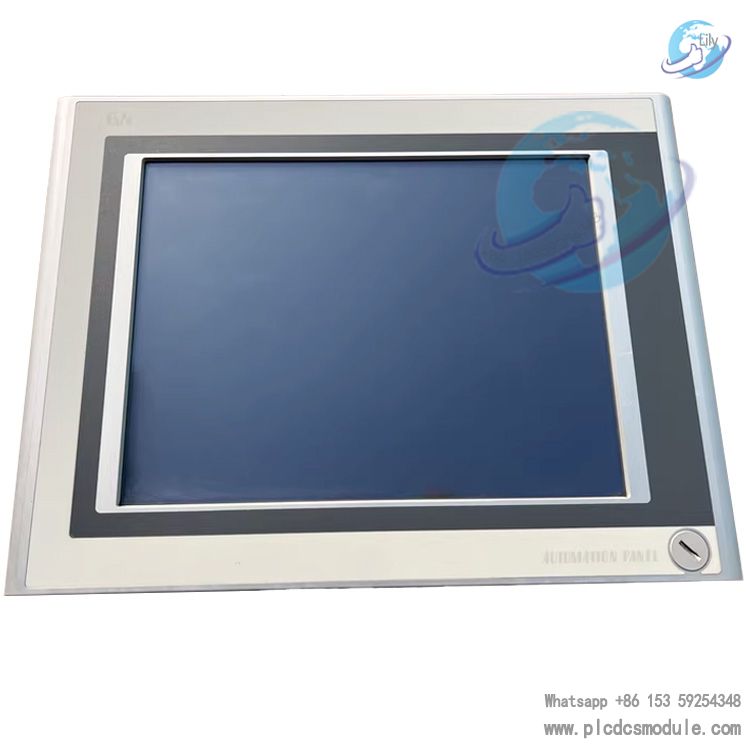
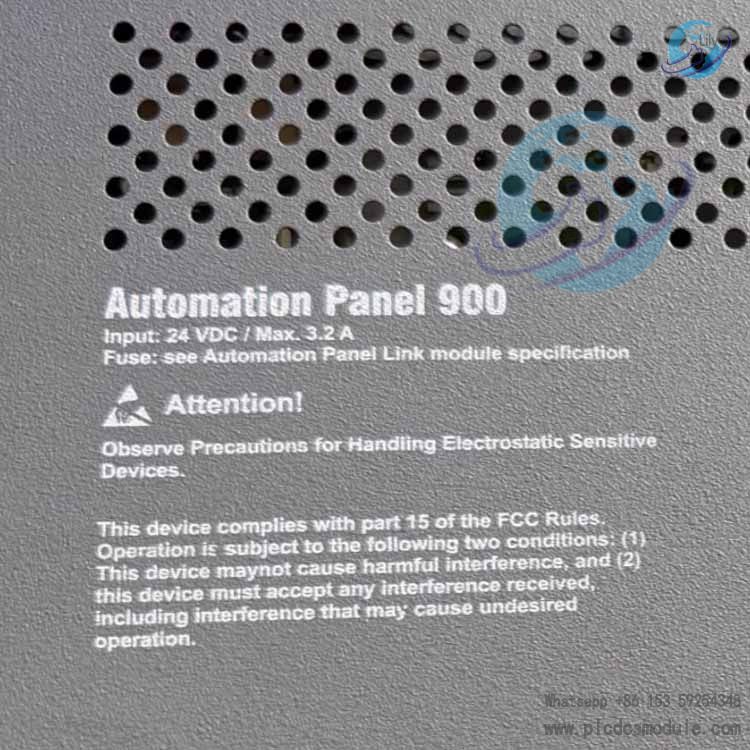
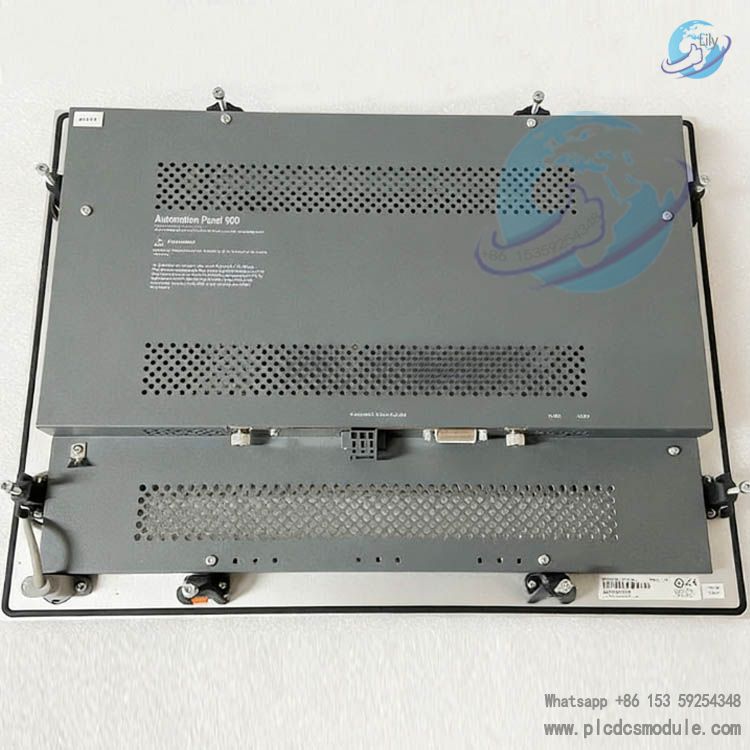
B&R Automation 5AP920.1505-01 is a 15-inch industrial-grade human-machine interface (HMI) operation panel from B&R Automation Panel 900 series. Specially designed for harsh industrial environments, it integrates highly reliable display, precise resistive touch control, abundant interfaces and a compact modular architecture. As a core interactive terminal for automated production lines, equipment monitoring and process control, it supports seamless integration with B&R control systems and third-party equipment, ensuring stable and efficient human-machine interaction in industrial sites.
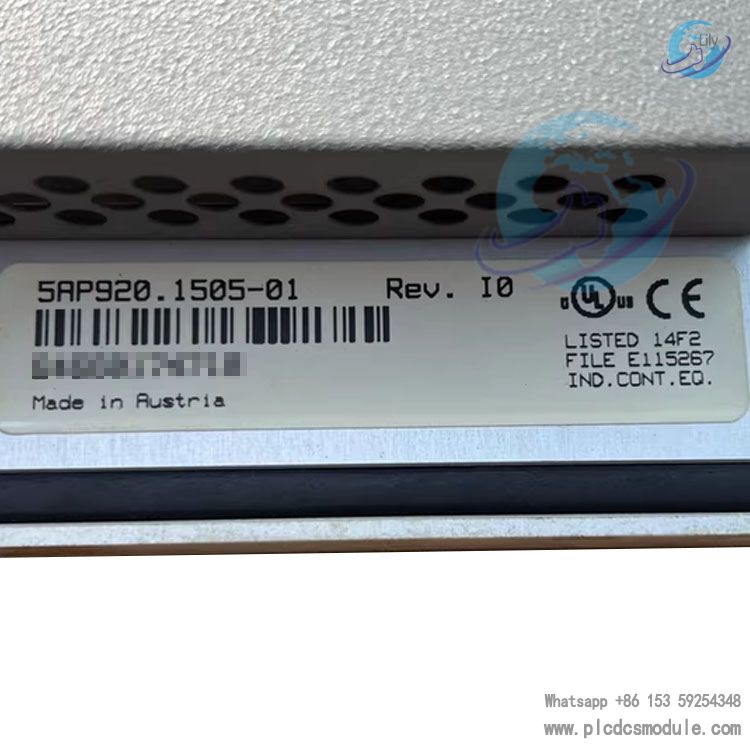
Technical Specifications
1. Display & Touch
- Screen Size: 15-inch XGA color TFT LCD
- Resolution: 1024 × 768
- Backlight Type: LED backlight, long lifespan, low power consumption
- Touch Technology: Analog resistive touchscreen, supports operation with gloves or oily fingers, strong anti-interference capability
- Brightness: Industrial-grade high brightness, suitable for both bright and dim workshop environments
2. Electrical Characteristics
- Supply Voltage: 24 VDC (typical 23.5–24.5 V, range 21–28 V)
- Maximum Current: 3.2 A
- Power Consumption: Approx. 70 W (full load)
- Isolation & Protection: Reverse polarity protection, overcurrent protection, overvoltage protection
3. Environmental & Physical
- Operating Temperature: -20°C ~ +60°C
- Storage Temperature: -30°C ~ +70°C
- Relative Humidity: 10%–90% RH (non-condensing)
- Protection Rating: Front panel IP65, rear side IP20
- Vibration / Shock: Compliant with IEC 60068-2-6 / 2-27, suitable for industrial vibration environments
- Dimensions: Standard 15-inch panel mount size, cutout fits industrial control cabinets
- Material: Front panel with aluminum alloy bezel, rugged and impact-resistant; metal housing for efficient heat dissipation
- Design: Fanless operation, low noise, high reliability (MTBF > 100,000 hours)
4. Interface Configuration
- USB: 3 × USB 2.0, supports peripheral connection and program transfer
- Communication Interfaces: Compatible with Automation Panel link slots, expandable for Ethernet, CANopen, RS232/485 and other fieldbuses
- Video / Expansion: Supports combination with modules such as Panel PC 300 to extend system functions
- Power Interface: Industrial-grade pluggable terminals, secure and anti-loosening
Features
- Industrial-Grade ReliabilityFanless cooling, wide temperature and voltage range, high protection rating, enabling stable 24/7 continuous operation. Suitable for harsh environments such as manufacturing and process industries.
- Precise Touch ControlResistive touch is insensitive to dust, water and oil, with fast response and accurate positioning, meeting complex operational requirements in industrial sites.
- Modularity & ScalabilityPart of the Panel 900 series. Can be combined with B&R Panel PCs, display link cards and other modules to be flexibly upgraded into a complete industrial control system.
- System CompatibilityFully compatible with B&R Automation Studio software. Supports custom HMI interfaces, alarm management, trend curves and data logging. Works with B&R PLCs and third-party controllers.
- Easy Operation & MaintenanceFront panel with IP65 water and dust protection allows direct washing and cleaning. Reasonable interface layout for simple installation and wiring. Status LEDs provide real-time indication of operation, communication and fault conditions.
- Security & StabilitySupports system backup and restoration with data protection functions to prevent program loss due to unexpected power failure. Certified by CE, UKCA and other international standards.
Installation and Maintenance
1. Installation Specifications
- Mounting Method: Panel-mounted installation, suitable for standard control cabinet cutouts. Secured with supplied clips/screws to ensure a tight seal between the front panel and cabinet surface.
- Installation Environment: Keep away from strong electromagnetic interference, high-temperature heat sources and corrosive gases. Ensure a rear ventilation space of ≥50 mm with no obstruction to cooling vents.
- Wiring Requirements: Use dedicated industrial cables for 24 VDC power supply with a cross-section ≥1.5 mm². Reverse polarity connection is strictly prohibited. The shielding layer of communication cables shall be single-ended grounded to reduce interference.
- Grounding Specifications: Reliable equipment grounding with grounding resistance ≤4 Ω to improve anti-interference performance and safety.
2. Routine Maintenance
- Cleaning and Care: Wipe the front panel with a soft cloth and neutral detergent; organic solvents are strictly prohibited. Regularly remove dust from rear cooling vents to prevent overheating.
- System Maintenance: Back up HMI programs and system data every 3–6 months. Check the firmware version via Automation Studio and update official firmware in a timely manner.
- Touch Calibration: Perform touch calibration in system settings when touch offset occurs to ensure accurate operation.
- Power Inspection: Periodically measure the supply voltage to ensure it is within 23.5–24.5 V. Equip with a UPS to avoid unexpected power failure.
3. Maintenance Precautions
- Disconnect all power before maintenance and wait 5 minutes for capacitors to discharge to prevent electric shock and equipment damage.
- Use only genuine B&R spare parts for module and cable replacement to avoid compatibility issues.
- For hardware failures (black screen, no response, damaged interfaces), priority should be given to contacting B&R official after-sales service or authorized service providers. Non-professionals are prohibited from disassembling the mainboard or display.
Application Areas
- Manufacturing Automation: Operation monitoring and parameter setting for automotive component production lines, injection molding machines, packaging machinery, textile machinery and printing equipment.
- Process Industry Control: HMI for food & beverage, pharmaceutical and chemical industries to realize process monitoring, alarm handling and data acquisition.
- Energy & Power: Local operation terminals for wind power, photovoltaic equipment and substation automation to monitor equipment running status.
- Logistics & Warehousing: Human-machine interaction for automated warehouses and sorting equipment, controlling start/stop, mode switching and troubleshooting.
- Engineering Machinery: On-board HMI for special machinery and marine equipment, adapting to harsh conditions such as wide temperature ranges, vibration and dust.
Frequently Asked Questions (FAQ)
Q1: What should I do if the screen is black with no display after power‑on?A: ① Check if the 24 VDC power supply is normal (23.5–24.5 V) and whether power cables or terminals are loose or reversed.② Measure the power output current to ensure no overload, and test with a replacement power supply.③ Inspect the backlight driver and display cable; contact after-sales service in case of hardware failure.④ For temporary software faults, try restarting by long-pressing the reset button.
Q2: Touchscreen unresponsive or severely offset?A: ① Clean the touch surface to remove dust and oil contamination.② Enter system settings to perform touch calibration and follow the on-screen instructions.③ If calibration fails, check the touch driver, restart the device, or reinstall the driver.④ If the resistive touch layer is damaged, replace with an original touch panel.
Q3: System lag, crash, or program unable to run?A: ① Power off and restart to eliminate temporary software errors.② Back up the program via USB flash drive, then restore the system using the original system image.③ Check for excessive background programs and close redundant processes.④ Clean the device cooling vents to avoid performance degradation due to overheating.⑤ If the problem persists, inspect the mainboard and storage module for damage and replace components as needed.
Q4: USB ports cannot recognize USB drives/peripherals?A: ① Ensure the USB drive is formatted as FAT32 with capacity ≤32 GB; avoid encrypted or partitioned USB drives.② Try a different USB port to check for loose or damaged ports.③ Verify the system USB driver and restart the device.④ Overload caused by high-current peripherals; switch to low-power devices or use an external power supply.
Q5: Communication failure, cannot connect to PLC/host computer?A: ① Check that communication cables (Ethernet/CANopen) are intact, connectors secure, and shielding properly grounded.② Verify communication parameters including IP address, baud rate, and station number are consistent between devices.③ Use Automation Studio to diagnose communication error codes (e.g., ERR_0201 communication timeout) and check network topology and gateway settings.④ Replace communication modules or cables to rule out hardware faults.
Q6: Device automatically restarts or shuts down during operation?A: ① Check for unstable supply voltage; voltages below 21 V trigger protective shutdown. Use a regulated or UPS power supply.② Clean dust from cooling vents and ensure sufficient ventilation to avoid overheating protection.③ Check internal battery (if equipped) for low power and replace with original battery.④ System or program error; restore the system and re-download the program.
Q7: How to back up and restore HMI programs?A: ① Backup: Insert a USB drive, export the program in Automation Studio, or back up to the USB drive via the device panel.② Restore: Insert the USB drive while powered off, then power on and follow system prompts to restore the program/system image from the USB drive.③ Perform regular backups to prevent data loss.