

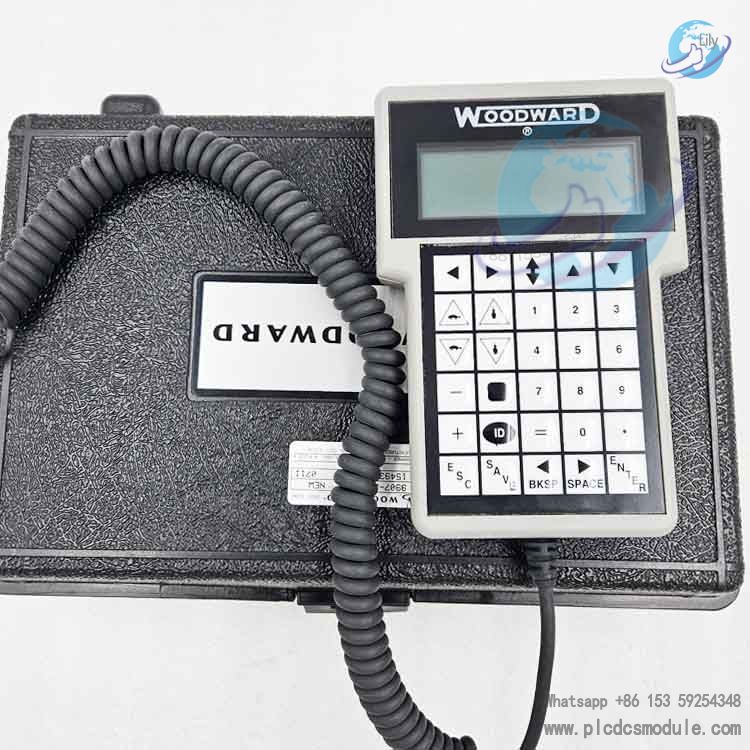
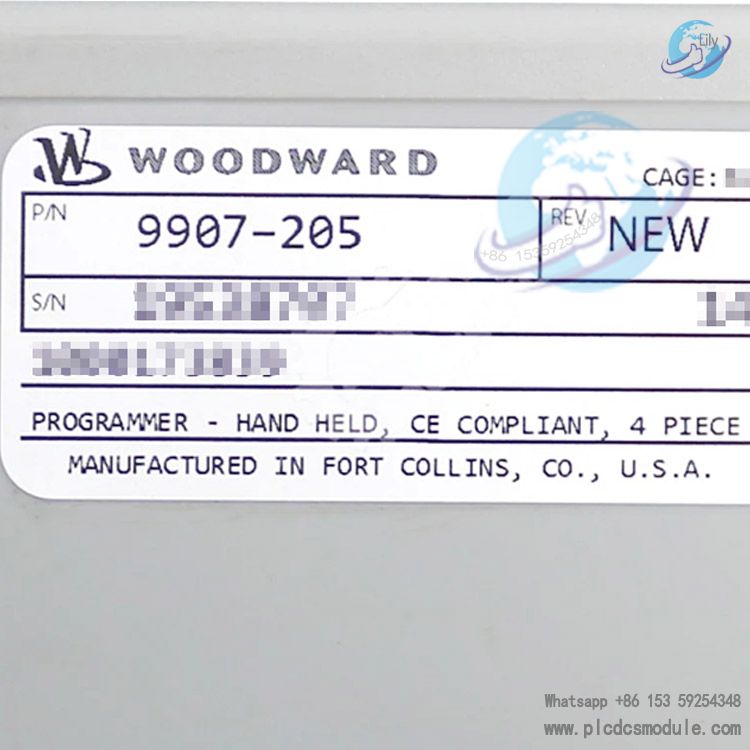
The 9907-205 hand-held programmer is a dedicated human-machine interaction terminal designed by Woodward specifically for on-site commissioning, parameter configuration, monitoring, and fault diagnosis of the ProAct I/II digital governing systems and 701A engine digital speed controllers, among others.
It communicates with the controller via an RS‑422 serial port and is powered directly by the controller, requiring no external power supply.
As a core tool for installation, calibration, maintenance, and troubleshooting of engine governing systems, it is widely used for parameter setting and status monitoring of speed control on diesel/gas engines, generator sets, and mechanically driven equipment.

Core Positioning & Application Scenarios
Hardware & Interface Features
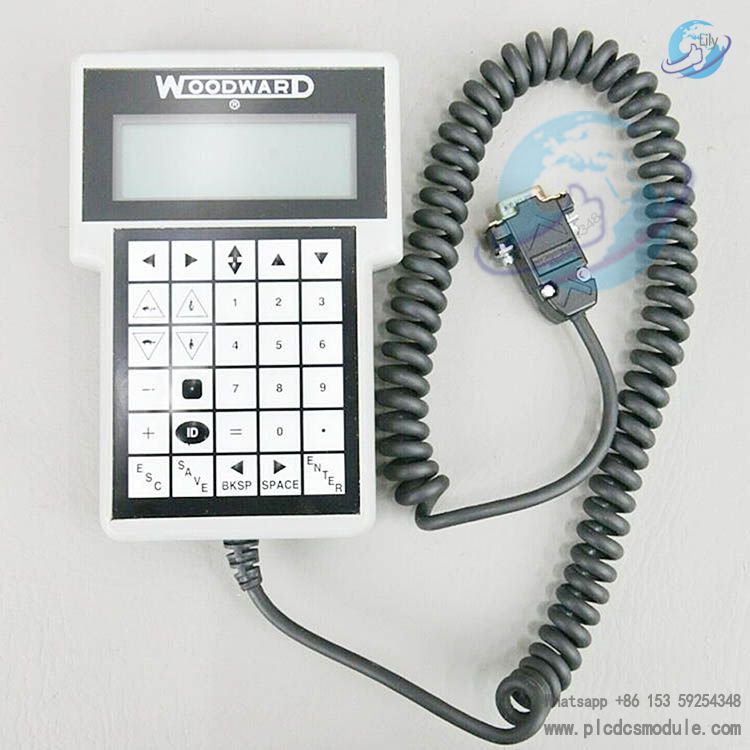
Compact handheld design, lightweight, convenient for single-handed on-site operation
Buttons & Operation Logic
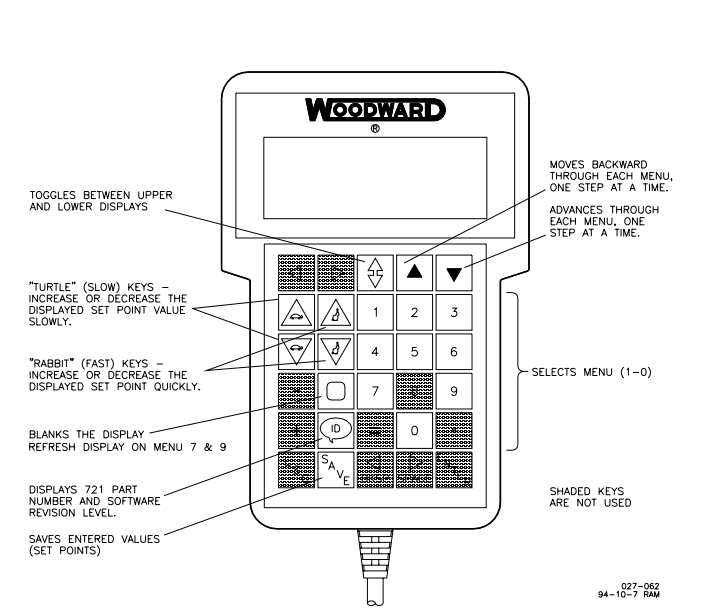
Only essential engineering buttons are retained to simplify on-site operation and avoid accidental modifications:| Button | Function |
|---|---|
| Left/Right Arrows | Page forward/backward in menus, switch parameter items |
| Up/Down Arrows | Switch display content between upper and lower screens |
| Slow/Fast Adjust | Modify parameter values at slow / fast speed |
| Numeric keys 1‑6, 0 | Direct access to corresponding menus (Menu1‑6, Menu0 for faults) |
| ID | Display controller software version, part number, revision |
| SAVE | Permanently save parameters (unsaved changes will be lost after power off) |
| Clear Key | Clear fault log |
| Minus Key | Hide inactive menu displays |
Supported Menus & Functions (ProAct System)
Core Functional Highlights
- Dual Dynamic Parameter SetsOne-key switching between two control parameter sets for fuel change, load application, grid-connected/island mode operation.
- Nonlinear AdaptationFour-breakpoint gain mapping to match nonlinear behavior of gas engine throttles and diesel engine racks.
- Multiple Safety LimitsStart fuel, maximum fuel, transient fuel override, two-segment torque limiting to prevent overspeed and black smoke.
- Comprehensive ProtectionFail-safe (loss of pulse → minimum fuel), power-on self-test, actuator overcurrent / feedback out-of-range detection.
- Anti-MisoperationConfiguration key, parameters only effective after saving, no modification possible when disconnected to ensure safe operation.
- On-Site EfficiencyPlug-and-play, real-time monitoring, direct fault reading, one-step calibration, greatly reducing commissioning time.
Technical Specifications
Frequently Asked Questions (FAQ)
- Can the 9907-205 be used with controllers from other brands?No. It is only compatible with specified Woodward controllers such as ProAct I/II and 701A, communicating via a dedicated RS‑422 protocol. It is not compatible with governors or PLCs from other brands.
- What should I do if there is no display after connection?Check that the controller J1 port is securely connected and power is normal (ProAct II requires 18–32 Vdc)Ensure the controller has completed power-on self-test (approx. 10 seconds)Inspect the cable for damage or poor contactPress the ID key to see if the software version can be read
- Why are parameters lost after power-off following modification?All changes must be written to non-volatile memory by pressing the SAVE key. If power is removed without saving, parameters will revert to the last saved values.
- What if Menu6 configuration items cannot be modified?Engine speed must be 0 and the Run/Stop switch must be in the Stop positionThe configuration key must first be set to 49; it will automatically revert to 0 after exitingFail-safe functions are recommended to remain Enabled to prevent overspeed
- What if engine idle / rated speed switching is abnormal?Check that the idle / rated speed settings in Menu3 are reasonableMonitor Menu5 to verify that the Idle/Rated switch status matches the actual conditionCheck if acceleration/deceleration time and ramp rates are set too steep or too slow
- How to troubleshoot non-operating actuator or engine overspeed?Check Menu0 for faults: actuator overcurrent, feedback out-of-range, magnetic pulse lossVerify that fail-safe is Enabled in Menu6Check actuator wiring polarity and feedback wires (7/8/9) for correct connectionEnsure start fuel and maximum fuel limits are properly set
- Can a computer be used instead of the 9907-205?Not recommended. The dedicated handheld unit is the only officially supported on-site commissioning tool. Serial adapter connections on a computer may cause communication errors, accidental parameter modification, and void the warranty.
- How to clear historical faults?Enter Menu0 and press the black clear key to empty the log. Current faults require resolution of hardware/wiring issues followed by a Run/Stop switch reset.