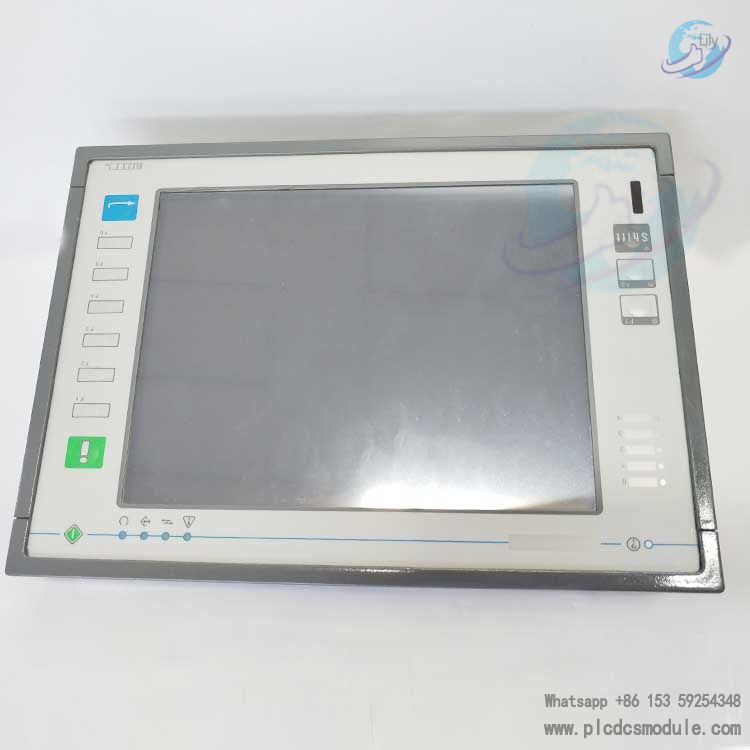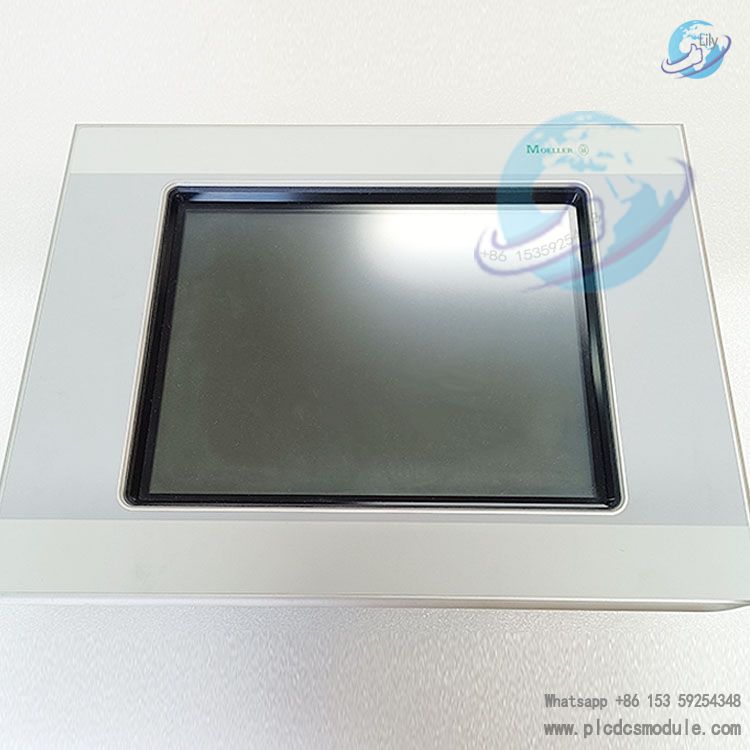


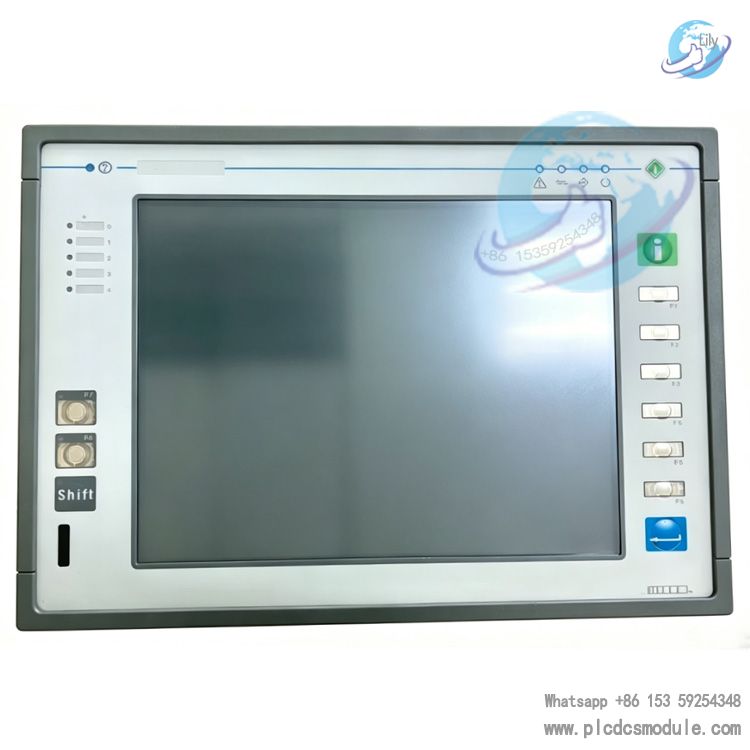
UniOP ETT-VGA IT2 6ZA1005-7 Industrial Grade Human-Machine Interface (HMI)Equipped with a 10.4-inch 256-color TFT LCD touch screen, it features a standard VGA (640×480) resolution. Integrated with physical function keys and LED status indicators, it adapts to harsh industrial environments. Widely applied in iron and steel, textile, printing, machinery manufacturing and other industries, it serves as a core interactive terminal for data visualization and equipment operation in industrial automation control systems.
Technical Parameters
Display System
Screen Size: 10.4-inch TFT color LCD display.Resolution: Standard VGA 640×480 pixels; text display supports 30 rows × 80 columns.Color: 256-color display, supports customizable scalable font sets.Backlight: CCFL backlight with adjustable brightness, suitable for industrial low-light / high-light environments.Touch Type: 4-wire resistive touch screen, delivers precise touch operation with strong anti-interference capability.
Hardware Configuration
Processor: Industrial dedicated processor, ensuring smooth interface operation and efficient data processing.Memory: 8MB standard memory, expandable up to 32MB to meet the storage requirements of complex programs.Keys & Indicators: 8 programmable function keys, 3 system keys; 8 user LEDs and 6 system LEDs for real-time equipment status feedback.Power Supply: DC 24V (wide voltage range: 18–30V); power consumption approx. 0.70A, compatible with common industrial power supply systems.
Interface Configuration
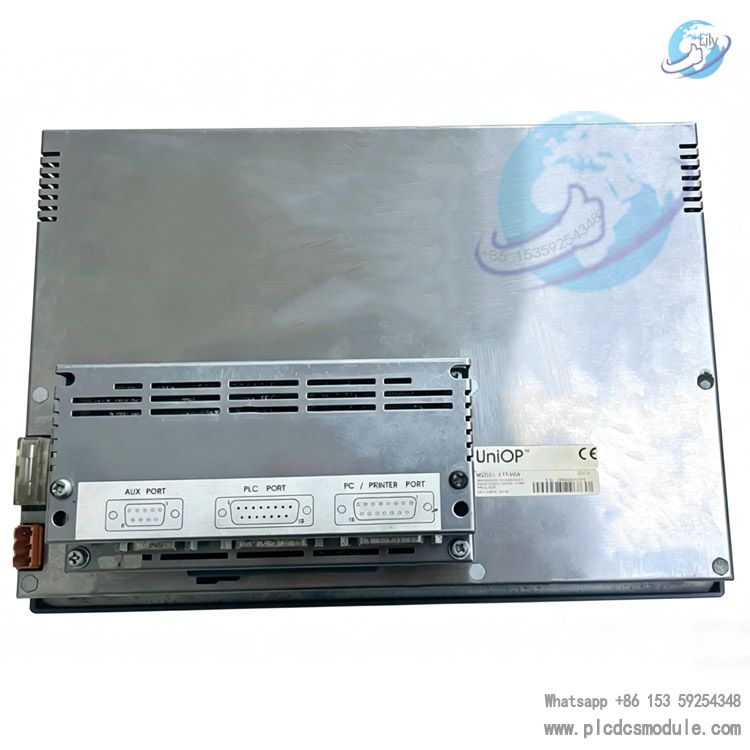
Communication Interfaces: PLC port integrated with RS-232/RS-422/RS-485 and CL 20mA interface, compatible with mainstream PLC communication.Expansion Interfaces: PC / printer port, external keyboard port, fieldbus auxiliary port (compatible with optional Profinet, CANopen and other modules).Programming Interface: Dedicated programming port for program downloading via UniOP Designer software.
Industrial Environmental Adaptability
Protection Grade: Front panel IP65, dustproof and splashproof, suitable for harsh workshop operating conditions.Operating Temperature: 0℃ to +50℃; Storage Temperature: -20℃ to +60℃.Relative Humidity: 5%–95% (non-condensing); excellent electromagnetic interference resistance, compliant with CE and RoHS industrial certifications.Housing Material: Robust metal housing with shock and impact resistance, adaptable to industrial vibration scenarios.
Main Functional Features
Data Visualization & Operation: Supports text, graphics, bar charts and dynamic data display; capable of monitoring up to 1024 alarms, storing 256 alarm event records, and enabling real-time data acquisition and trend display.Multi-protocol Compatibility: Built-in over 200 industrial communication drivers, seamlessly connecting mainstream PLC brands including Siemens, Mitsubishi and Omron; supports dual-driver communication, compatible with fieldbus and Ethernet networks.Security Permission Management: 8-level password protection with hierarchical operation authority control to prevent misoperation and unauthorized access, ensuring system security.Convenient Programming & Maintenance: Matched with UniOP Designer 6 programming software for Windows system; intuitive interface supporting program upload/download and online debugging. Adopts hot-swappable backup battery (CR2430, service life approx. 1 year) with user-replaceable design.Flexible Expansion & Compatibility: Supports memory expansion and fieldbus module expansion; compatible with most accessories of the UniOP series. Same mounting dimensions as legacy models such as ER-25T for direct replacement, reducing equipment upgrade costs.
Application Scenarios
Industrial Automated Production LinesUsed for production line equipment status monitoring, parameter configuration, start-stop control and alarm viewing.
Mechanical Equipment ControlCompatible with CNC machine tools, textile machinery, printing machinery and more, integrating equipment operation and data display in one unit.
Process Control SystemsApplied in chemical, water treatment, energy and other industries to monitor process parameters such as temperature, pressure and flow rate.
Building AutomationUsed for centralized monitoring and operation of HVAC, air conditioning and security systems in large buildings.
FAQ
Touch screen no response when touched?
Check the touch panel for oil stains or water marks; clean the screen surface and try again.Verify whether the touch screen wiring is loose, then re-plug the touch interface cable.Confirm the touch function is correctly configured in the program, and restart the panel or re-download the program.If the problem persists, the touch panel may be aged or damaged; contact after-sales service for inspection and replacement.
Blurred display, screen distortion or black screen?
- Black screen: Check if DC 24V power supply is normal, measure whether the voltage is within 18–30V, and troubleshoot loose or shorted power wiring.
- Blurred / distorted screen: Adjust the backlight brightness parameters; check and re-seat the display interface cable. If the ambient temperature is too high or too low, stop operation and let the device cool down or warm up before retrying.
Communication failure with PLC, communication error displayed?
Check communication wiring: Ensure RS-232/RS-422/RS-485 wiring matches the PLC port with no loose or incorrect connections.Confirm communication parameters: Baud rate (9600–38400 bps), data bits, stop bits and parity bits must be consistent with PLC settings.Check program configuration: Select the correct communication driver in UniOP Designer and verify PLC address and station number settings.Eliminate interference: Keep the device away from strong electromagnetic equipment such as inverters and motors, and use shielded communication cables.
Program download failed with connection error prompt?
Use the dedicated programming cable (CA2 / CA114) to connect the panel PC/printer port to the PC COM port.Ensure the panel enters Configuration mode, then restart the panel and retry.Check if the PC COM port is occupied; switch to another COM port or restart the computer. Set communication parameters to 9600 bps, no parity, 1 stop bit.
LED indicators not lit or abnormal status?
Check the function configuration corresponding to the LEDs and confirm the indicator function is enabled in the program.Inspect wiring: Verify loose connections and normal power supply for user LEDs and system LEDs.If all LEDs fail to light up, check for faults in the panel power module and contact after-sales service for inspection.
Can it replace legacy models ER-25T or eTOP33C?
- Direct replacement for ER-25T: Identical mounting dimensions, full software compatibility and more comprehensive functions.
- Differences with eTOP33C: ETT-VGA comes with physical function keys and LED indicators and supports 256 colors; eTOP33C has no physical keys, 64K colors and 64MB memory, with compatible ports and software.