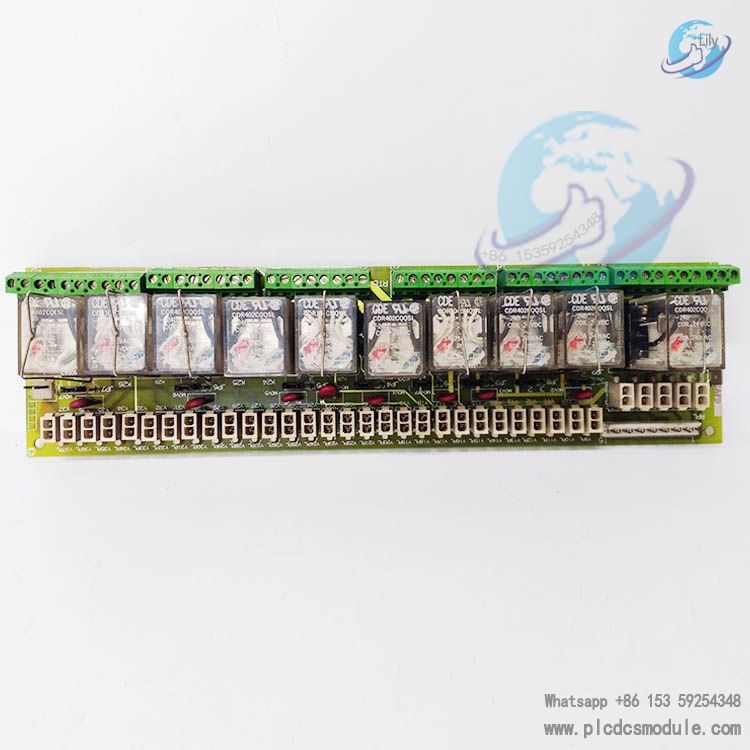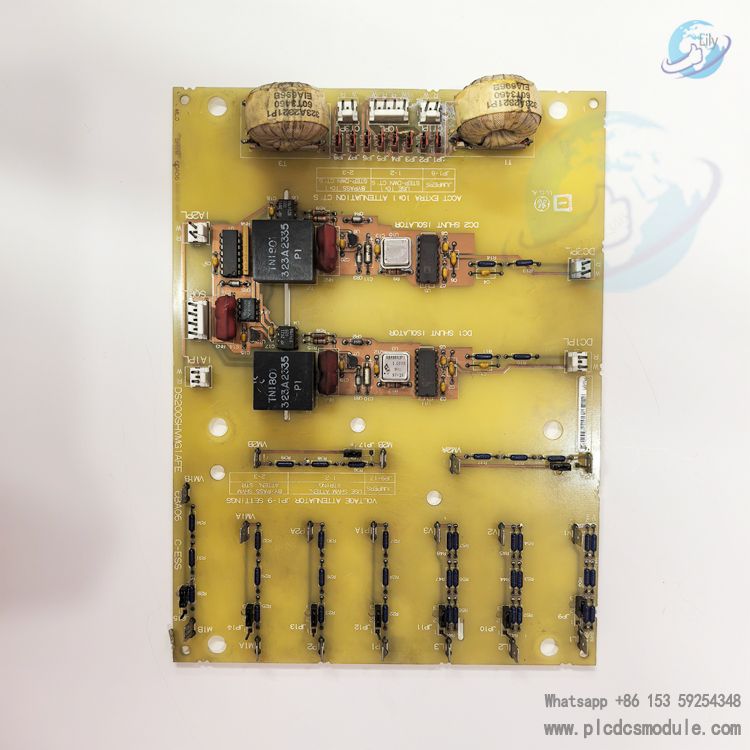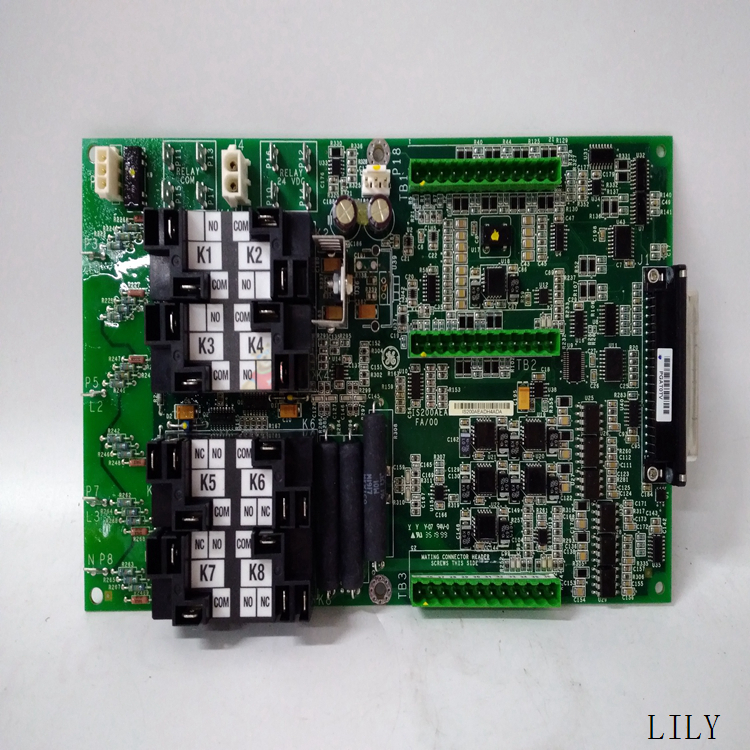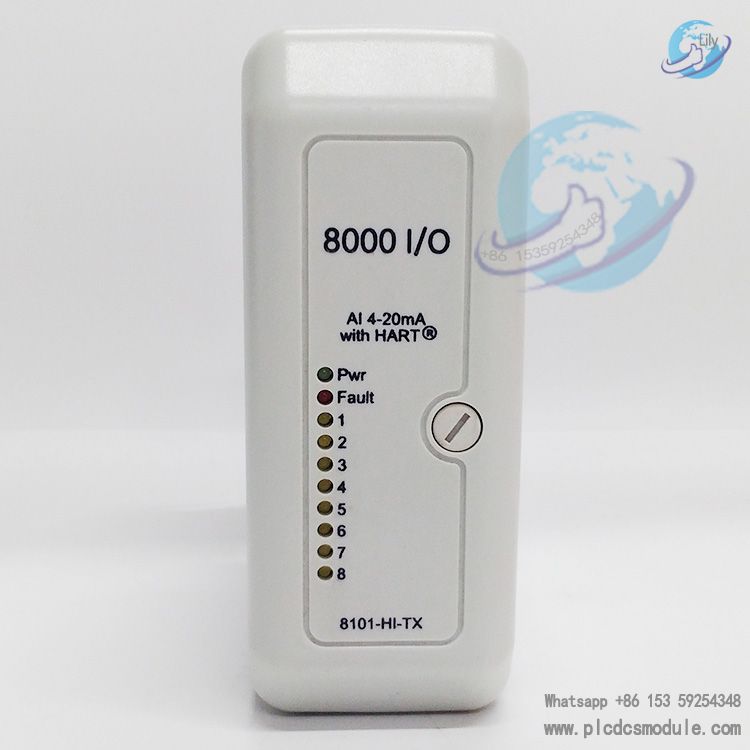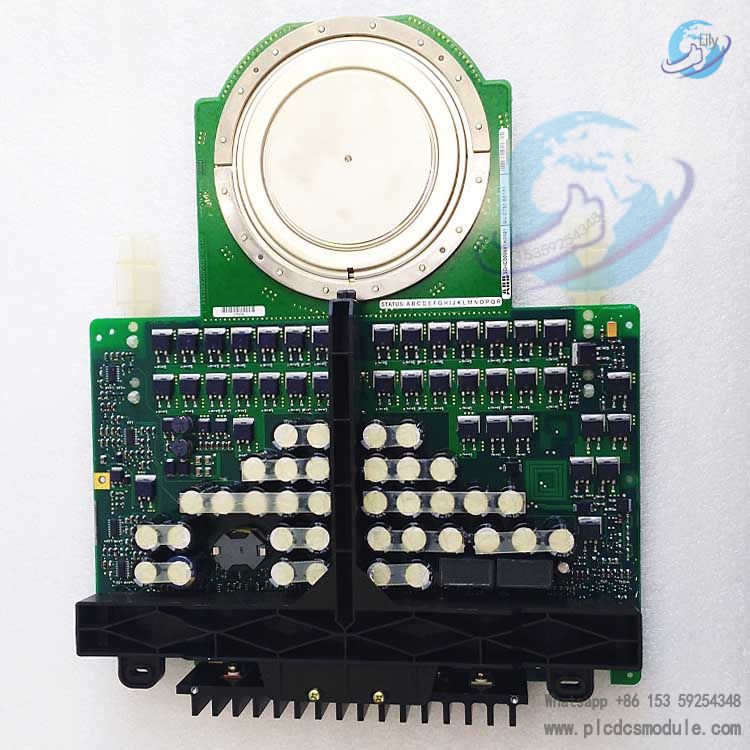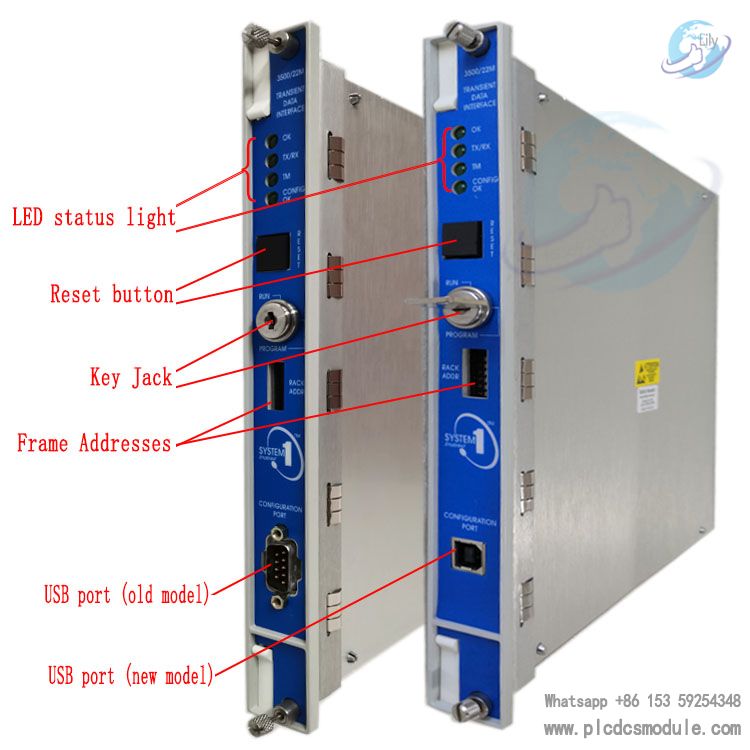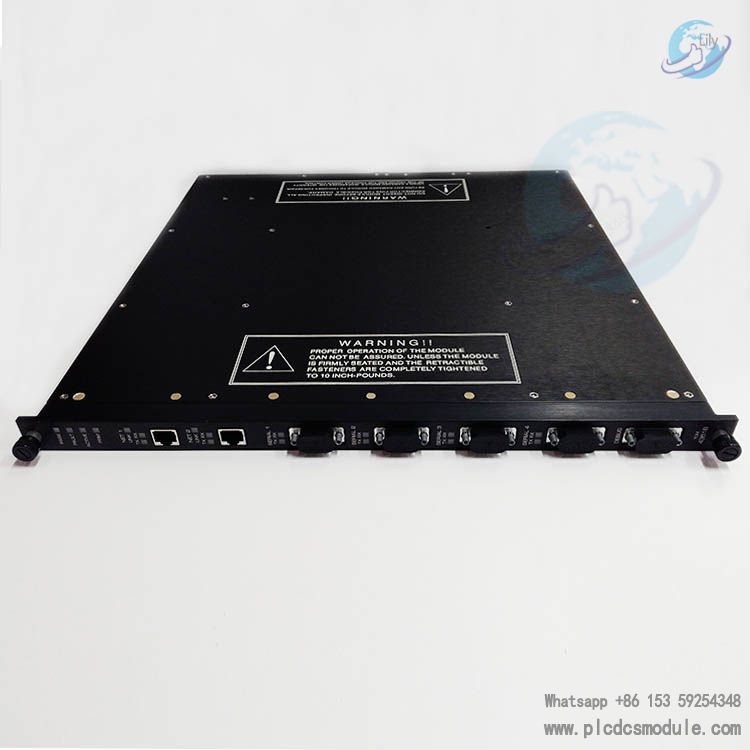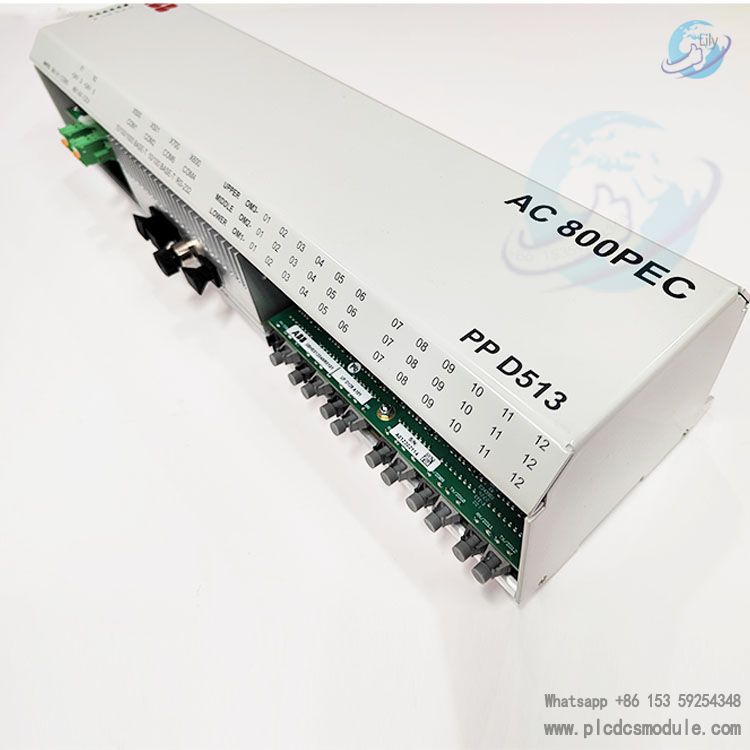


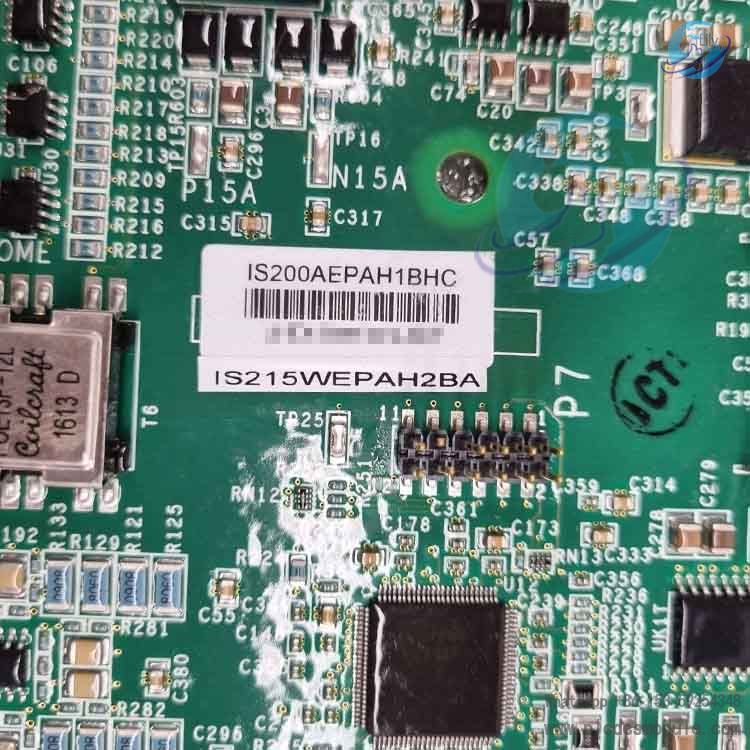
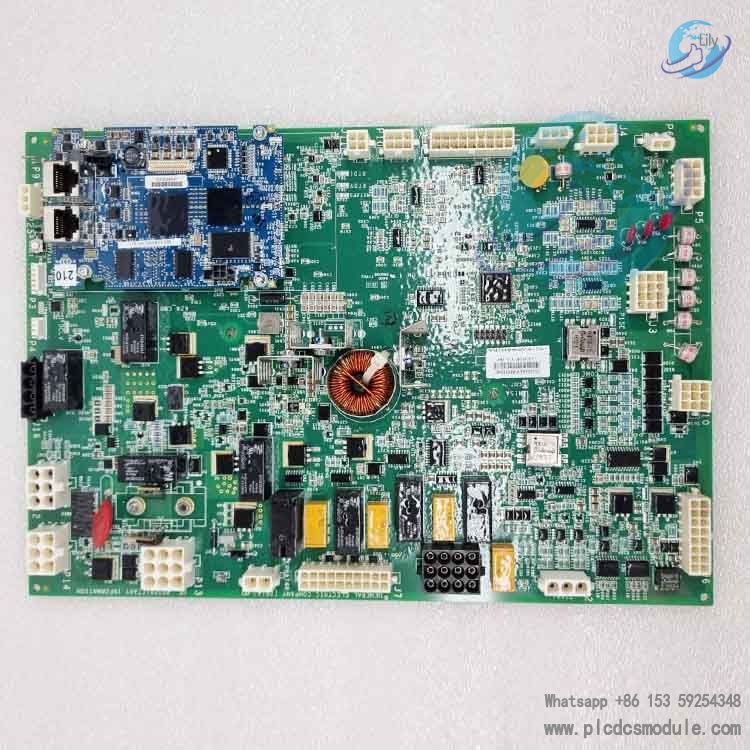
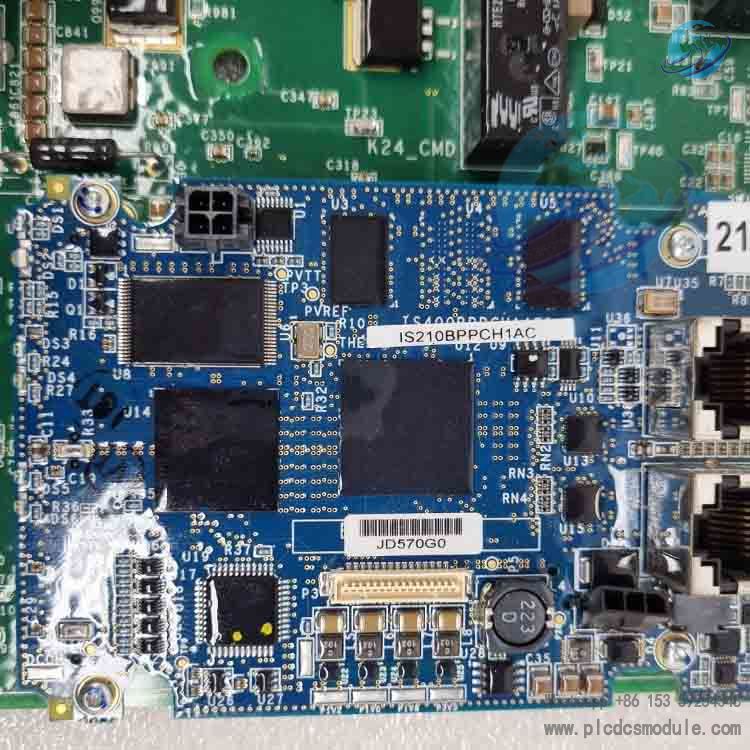
IS210BPPCH1AC is a dedicated multi‑port interface PCB board (I/O Pack Processor Board) for GE’s Mark VIe Speedtronic system. It belongs to the core I/O processing modules of the IS200 series, designed specifically for the UCPA (Universal Control Processing Assembly). As the core processor sub‑board of the I/O pack, it is responsible for intelligent management and high‑speed data exchange of local analog, digital, and dedicated I/O signals.
Fully upgraded from the legacy BPPB series, this board adopts a new generation of components and supports Dual and Triple Modular Redundancy (TMR) architectures. Engineered for harsh industrial environments, it serves as a critical component in control systems for key power equipment such as gas/steam turbines and generators.
Product Advantages
Highly Reliable Redundant DesignSupports Triple Modular Redundancy (TMR) and duplex architectures, with main‑to‑standby switching <10ms. Equipped with a hardware watchdog and reset circuit, it automatically resets on anomalies to prevent system hangs and ensure zero interruption of critical processes.
Robust Adaptability to Harsh EnvironmentsPCB coated with conformal coating for moisture, dust and corrosion resistance. Operating temperature: ‑40℃ to +70℃, humidity 5%–95% (non‑condensing). Suitable for power plants, offshore platforms, chemical plants and other high‑risk environments.
Efficient Operation & Maintenance, Optimized CostsStandard VME bus interface with hot‑swap support for module replacement without shutdown. Multi‑mode LED status indicators enable fast fault localization. Compatible with ToolboxST for online firmware upgrades.
Product Features
(1) Core Technical Specifications
- Model: IS210BPPCH1AC (BPPC series)
- Manufacturer: GE Fanuc (General Electric)
- Series: Mark VIe Speedtronic / IS200
- Operating Voltage: Nominal 12VDC, range 9~16VDC
- Dimensions: Approx. 138mm × 86mm × 56mm (board level)
- Weight: 0.2~0.3kg
- Communication Buses: Internal I/O pack bus, IONet high‑speed link
- Certifications: CE, UL; compliant with industrial/hazardous area standards
(2) Key Functional Features
- On‑board CPU Power Management: Integrates a dedicated power module to provide stable power for the on‑board CPU and core circuits, isolating external power fluctuations.
- Multi‑mode LED Status Indication: Red/green dual LEDs; 7 red blink patterns (fault/alarm) and 4 green patterns (running/ready) for intuitive status feedback.
- Comprehensive Diagnostics & Alarms: Outputs ATTN diagnostic signals to the UCPA, real‑time monitoring voltage, temperature and communication status. Faults are accurately reported for remote HMI viewing.
- High‑Speed Data Processing: Embedded industrial‑grade processor supports multi‑channel concurrent data transmission with microsecond‑level communication latency. Handles analog, digital, vibration/speed and other dedicated I/O signals.
Application Scenarios
- Power Industry: Gas/steam turbine control systems, main and auxiliary control systems in thermal power plants, generator excitation systems, wind turbine pitch and main control systems.
- Petrochemical Industry: Offshore oil and gas platform power control, compressor/pump unit monitoring, interlock protection for key units in chemical plants.
- Industrial Drives: Real‑time control and condition monitoring for large steam turbines, metallurgical rolling mills and high‑speed transmission equipment.
- Redundant Control Systems: High‑availability critical processes (e.g., power plant DCS, emergency shutdown systems) supporting TMR/duplex redundant architectures.
Related / Supporting Products
- Compatible I/O Terminal Boards: YAICS1B (analog input), YDIAS1B (digital input), YDOAS1B (digital output), PVIBH1B (vibration monitoring), YVIBS1B (speed monitoring).
- System Controllers: Mark VIe UCPA main controller, IS210 series power modules, IONet communication modules.
- Software Tools: ToolboxST (configuration/programming/firmware upgrade), ControlST software suite (system monitoring and diagnostics).
- Redundancy Accessories: TMR redundant backplane, duplex power modules, hot‑swap I/O racks.
Installation & Maintenance
(1) Installation Steps
- Environmental Check: Ensure rack is dust‑free, corrosion‑free, temperature ‑40℃~+70℃. Operate with power off and wear anti‑static wristband.
- Module Installation: Align with UCPA I/O pack base slot, insert vertically, tighten screws (torque 0.8~1.0N·m).
- Bus Connection: Connect internal I/O bus and IONet cables; confirm secure locking.
- Power‑on Configuration: After power‑on, the module is automatically recognized via ToolboxST. Load configuration, verify and activate firmware.
(2) Routine Maintenance
- Regular Inspection: Check LED status and connector tightness monthly; clean board dust quarterly with anti‑static brush.
- Firmware Upgrade: Update firmware online every six months via ToolboxST to fix vulnerabilities and optimize performance; back up configuration before upgrade.
- Troubleshooting: Red LED blinking → locate fault per pattern table (power/communication/temperature); fails to start → check supply voltage, bus connection and module compatibility.
- Replacement Notes: Hot‑swap supported; confirm new module model matches. Configuration syncs automatically after replacement, no shutdown required.
FAQ
Q1: What is the difference between IS210BPPCH1AC and IS210BPPCH1AD/1AE?A: Core functions are identical; differences lie in hardware version and application scenarios. 1AC is the standard model for general Mark VIe systems. 1AD/1AE are customized versions optimized for high‑temperature/high‑vibration conditions, partially compatible with Mark VIeS systems. Not directly interchangeable; verify system configuration.
Q2: Can the old BPPB series be directly upgraded to IS210BPPCH1AC?A: Automatic reconfiguration is supported for direct replacement in most scenarios. Requirements: ① System firmware ≥ V7.0; ② Compatible I/O terminal boards (e.g., YAICS1B); ③ TMR architecture requires simultaneous replacement of three modules to avoid version mismatch.
Q3: Red LED blinking and system not running — how to troubleshoot quickly?A: 7 red blink patterns correspond to faults:1 blink = Power anomaly (check 9~16VDC supply)2 blinks = Communication failure (check IONet/bus connection)3 blinks = Over‑temperature (improve cooling, clean dust)4–7 blinks = Internal circuit fault; replace module.
Q4: What happens if operating temperature exceeds limits?A: Prolonged over‑temperature (>70℃) accelerates component aging, causes data loss/communication interruptions, and may burn the board. Low temperature (<‑40℃) leads to solder brittleness and poor contact. Install temperature control modules to maintain compliance.
Q5: Is hot‑swap supported? Is reconfiguration required after replacement?A: Hot‑swap supported, no shutdown needed. The system automatically recognizes and synchronizes existing configuration for same‑model replacements; no reprogramming required. For different versions, verify configuration and upgrade firmware via ToolboxST.